Explore Drizz Desktop App

How Drizz desktop works
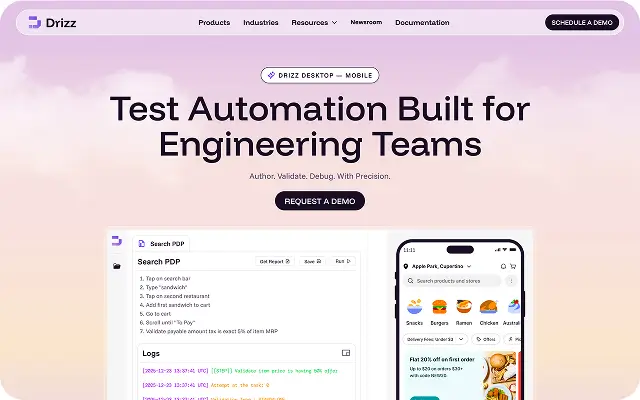
Unified Local Experience for Test Creation & Validation Drizz Desktop consolidates the core tasks needed before scalable execution:
Watch video

•
Drizz raises $2.7M in seed funding •
•
Featured on Forbes
•
Drizz raises $2.7M in seed funding •
•
Featured on Forbes


Engineered for teams demanding speed, stability, and complete control over mobile test workflows.
No complex frameworks | No brittle selectors | No blind failures.

Get started for free






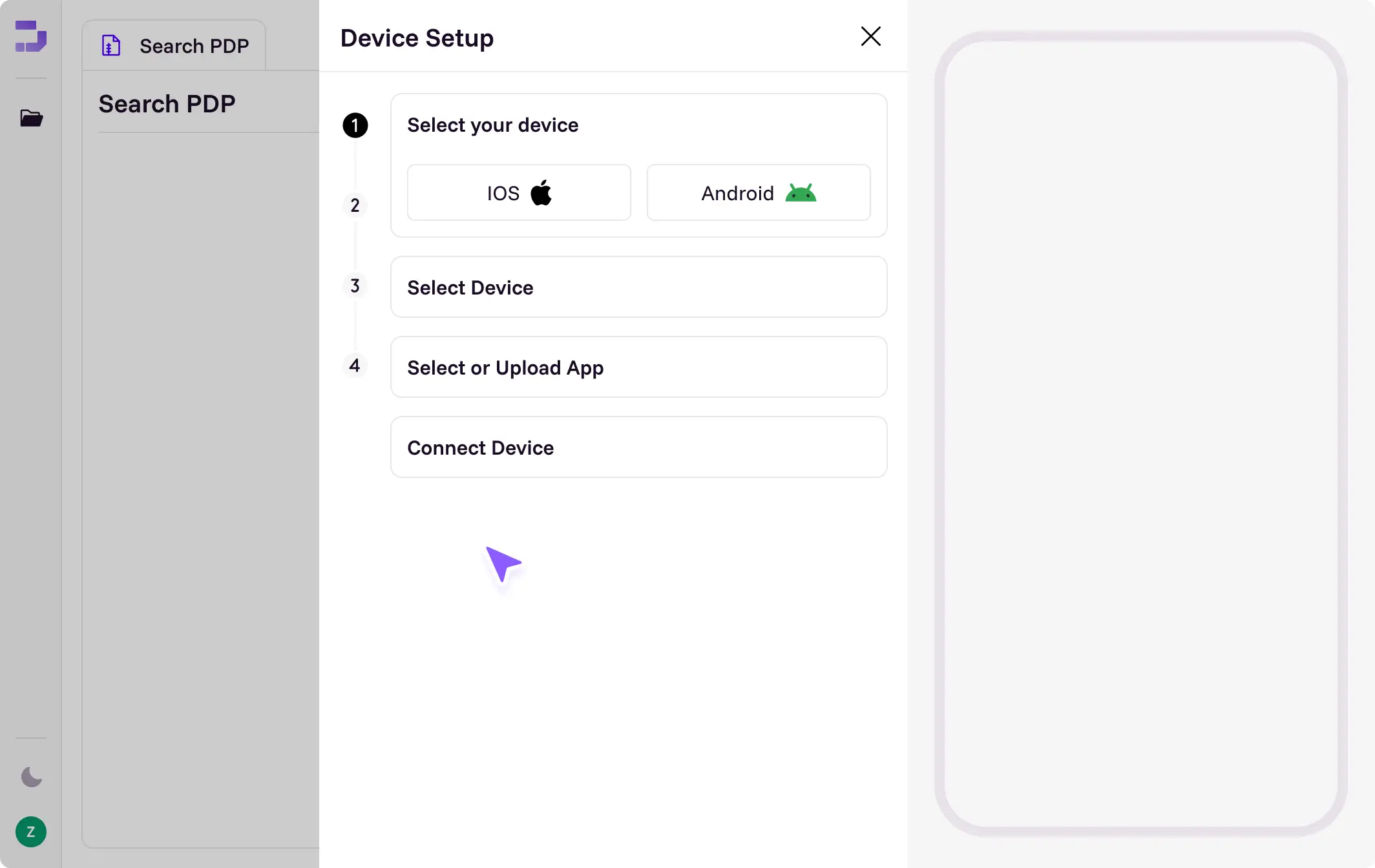
Mobile test logic shouldn’t be guesswork. Drizz Desktop gives teams a deterministic authoring surface that turns strategy into stable automation.


Drizz Desktop provides a controlled local environment to author test logic, interact with devices, inspect execution and organize assets before scaling runs in Drizz Cloud.
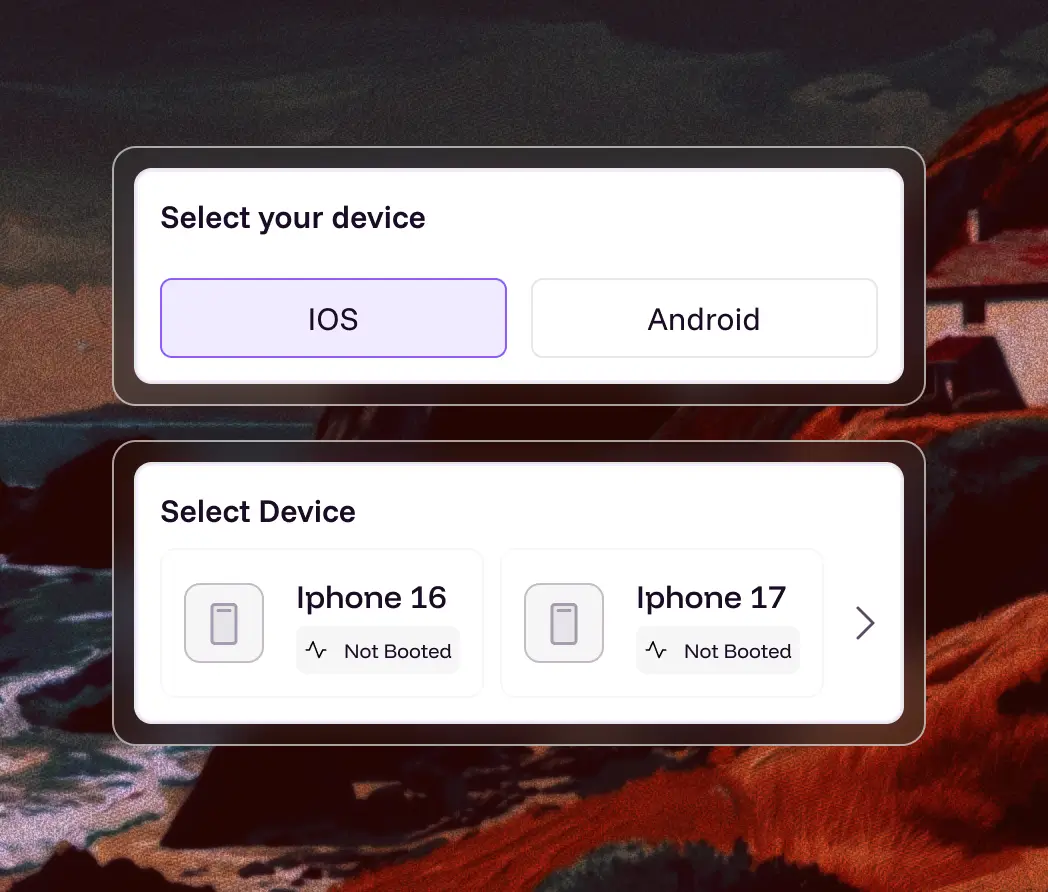
Connect and manage Android emulators, iOS simulators, or physical devices with real-time state visibility
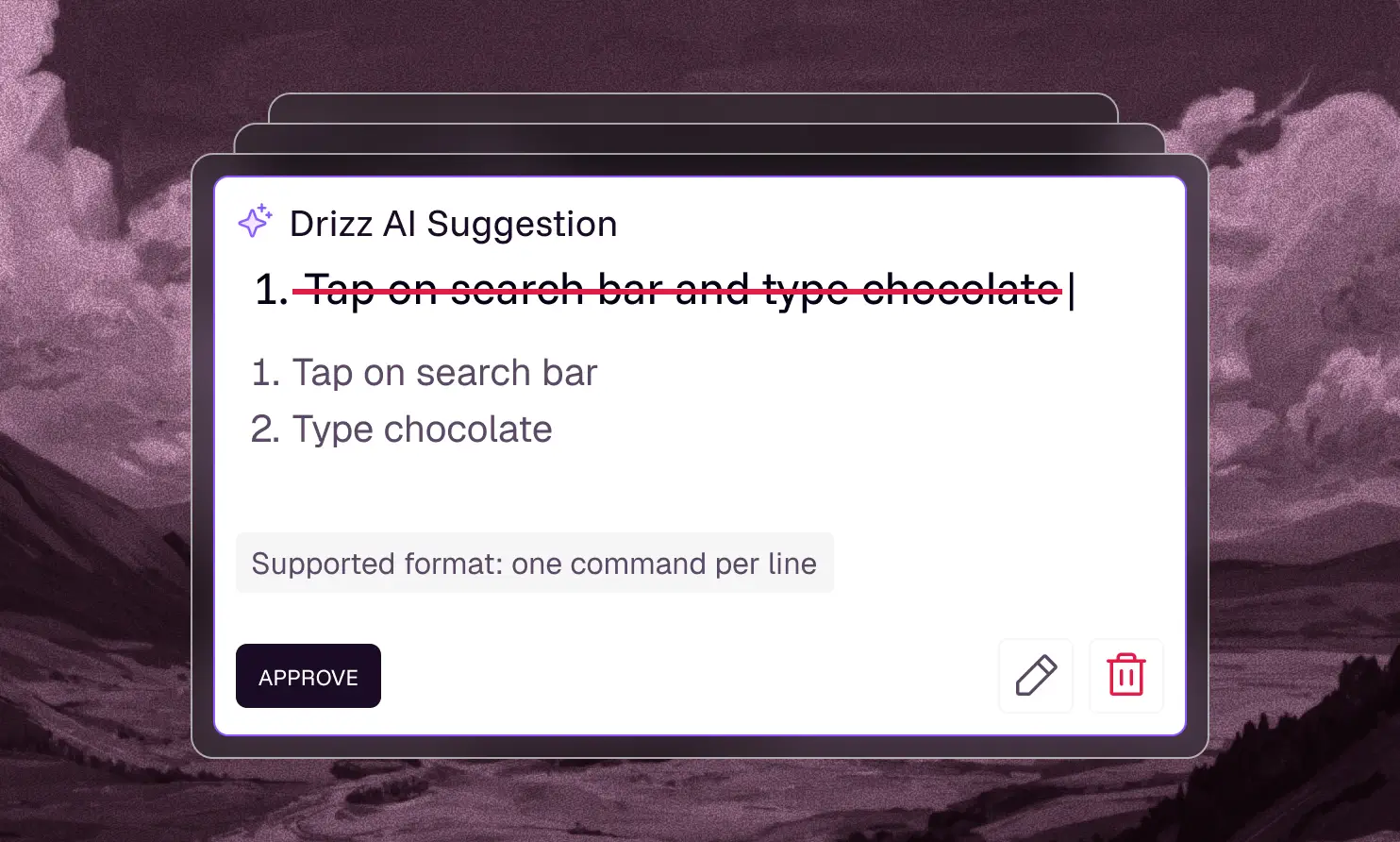
Author tests as ordered command sequences with support for conditional logic and reusable modules.
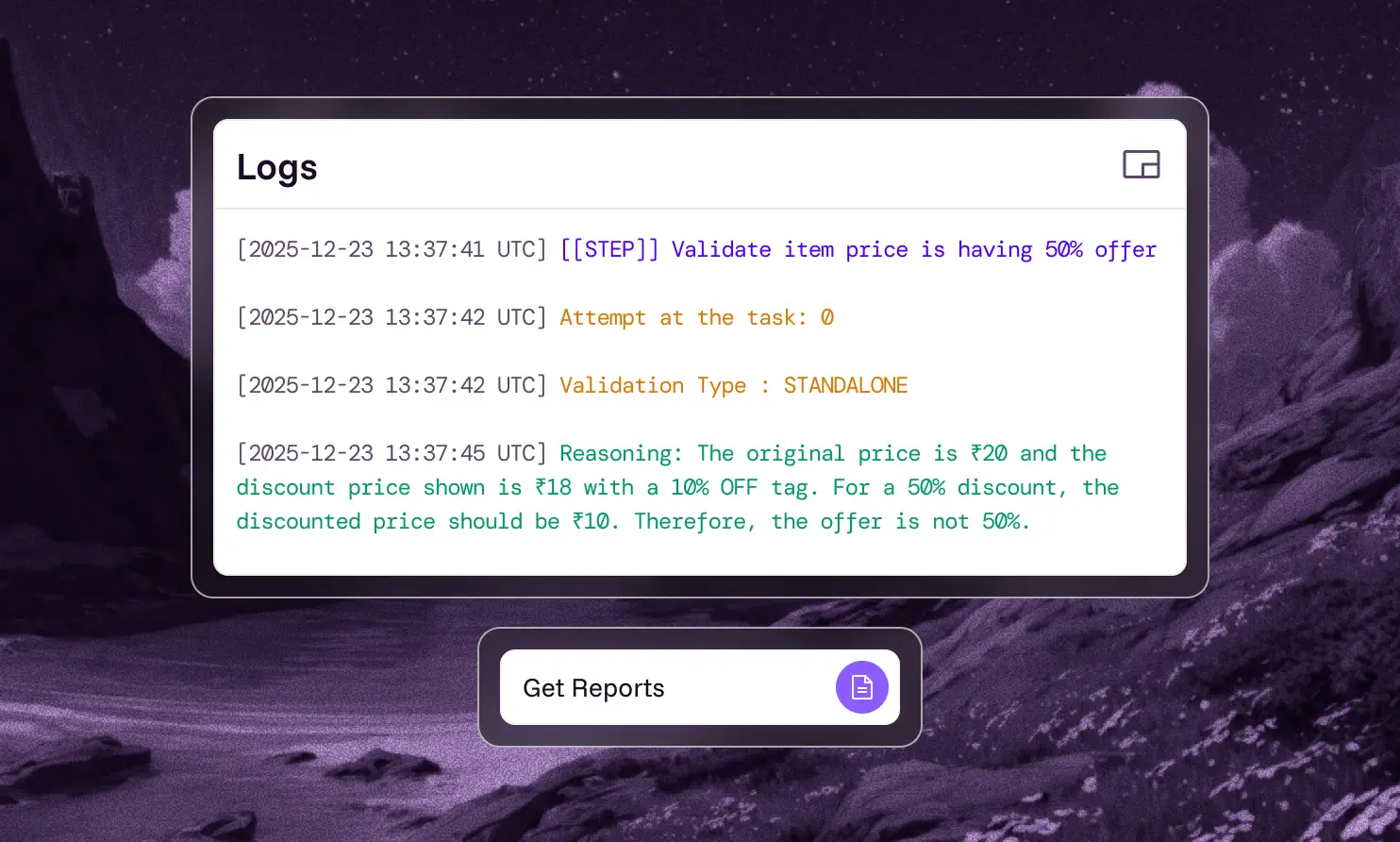
Run tests locally and inspect step-by-step execution with clear, contextual logs and screenshots.
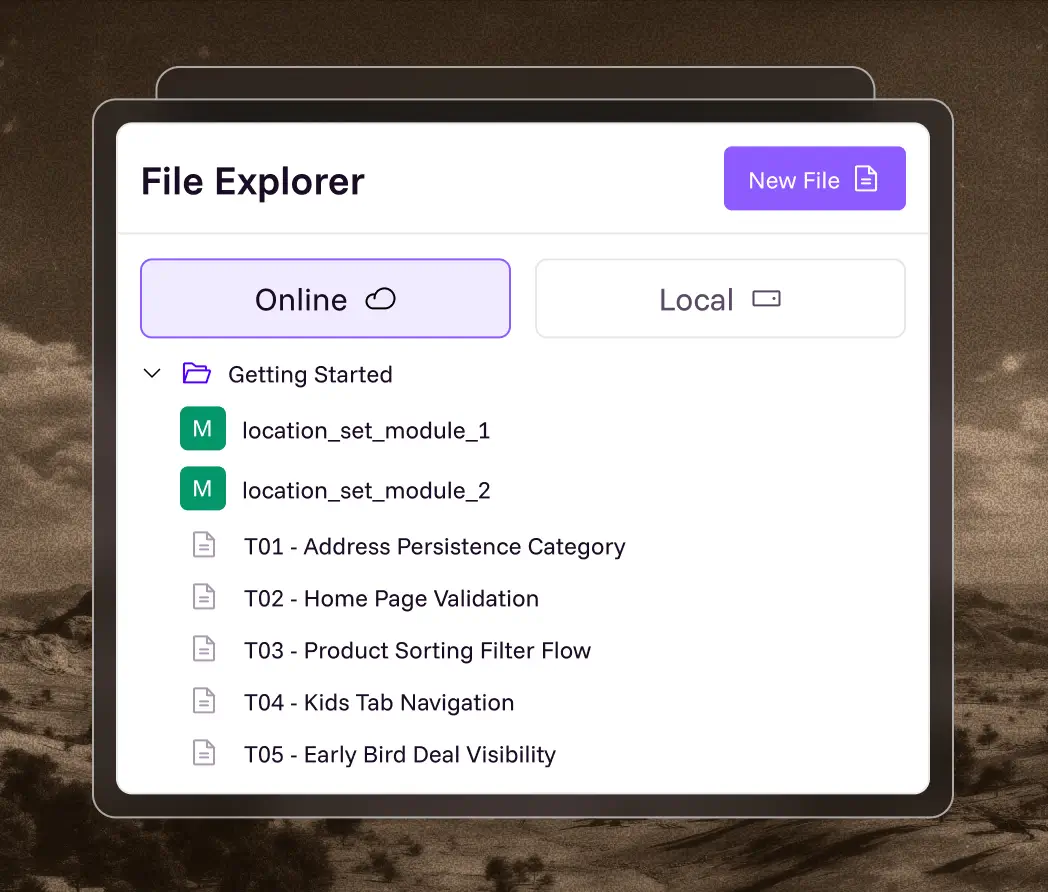
Organize tests, modules and assets in predictable, version-friendly structures.

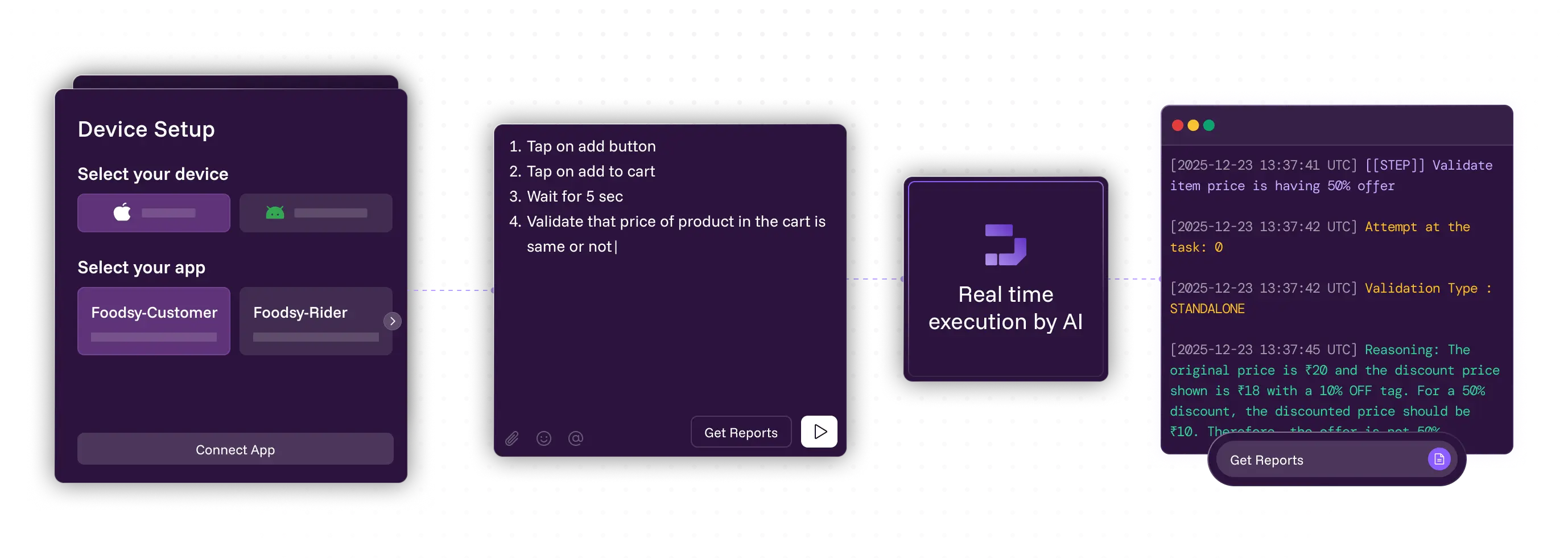
Instantly connect a real device, emulator or simulator. Drizz surfaces platform and state details automatically for a ready-to-test environment.
Define test steps as clear, structured commands. Modular flows and conditional logic ensure consistency, readability and long-term maintainability.
Run tests locally and watch each step in real time. Drizz provides immediate visibility into execution flow, outcomes and on-device behaviour.
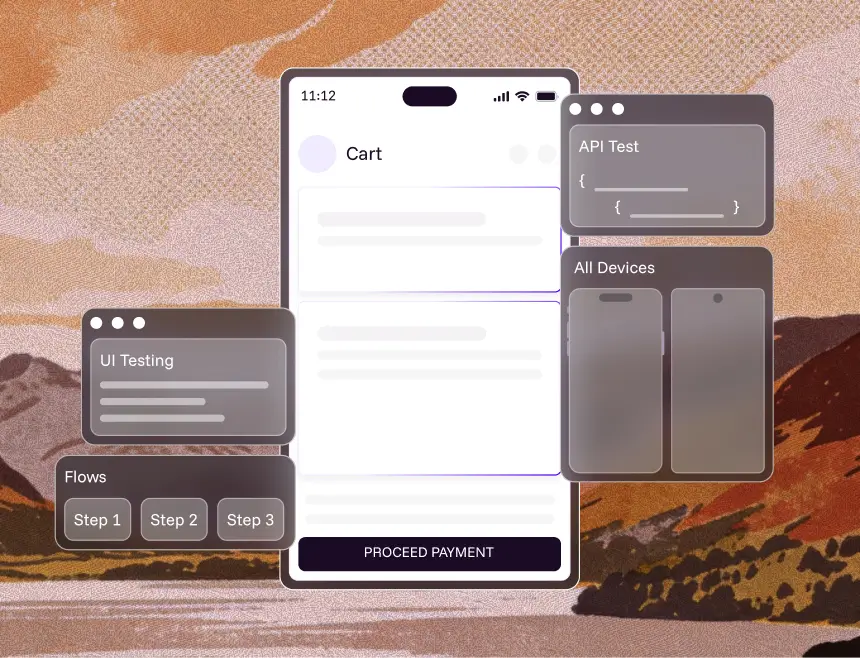
One platform to test UI, APIs, flows, Multiple OS versions, form factors and complex journeys - on real devices, with zero maintenance.
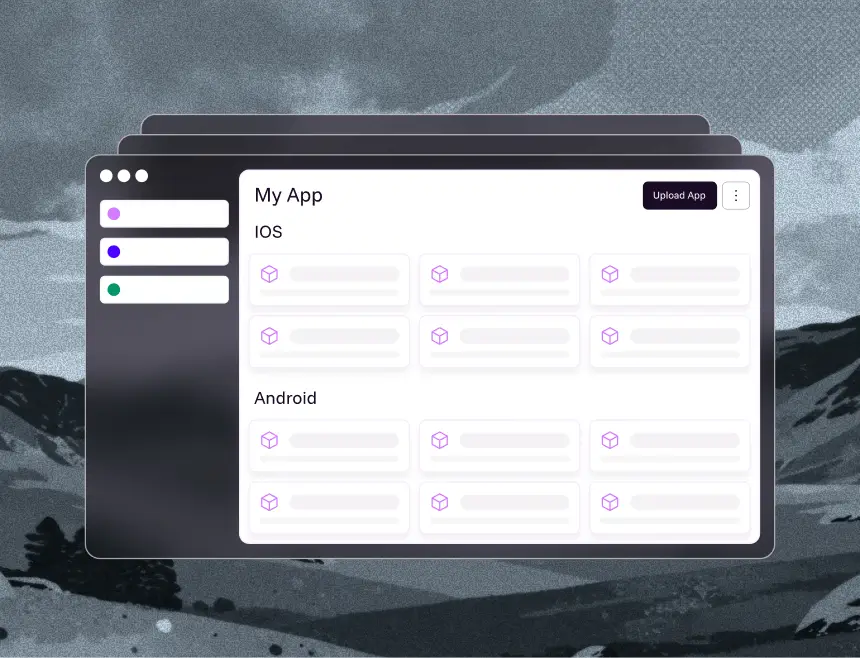
A single home for everything your testing depends on. Apps, builds, test plans, devices, environments - no more fragmentation.
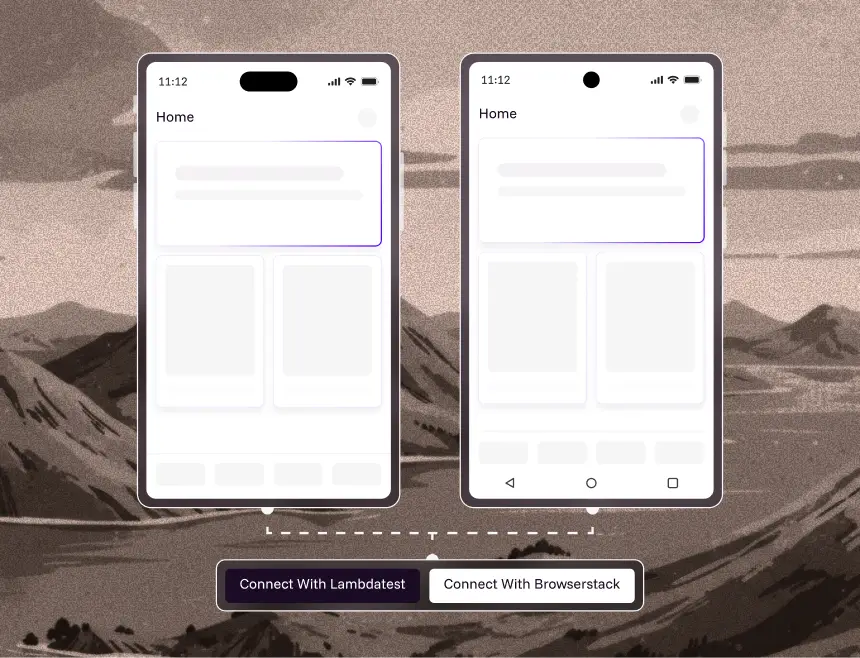
Run your tests on the same real devices your users rely on. Validate performance, behaviour and reliability across true conditions delivering confident, production-ready results every time.
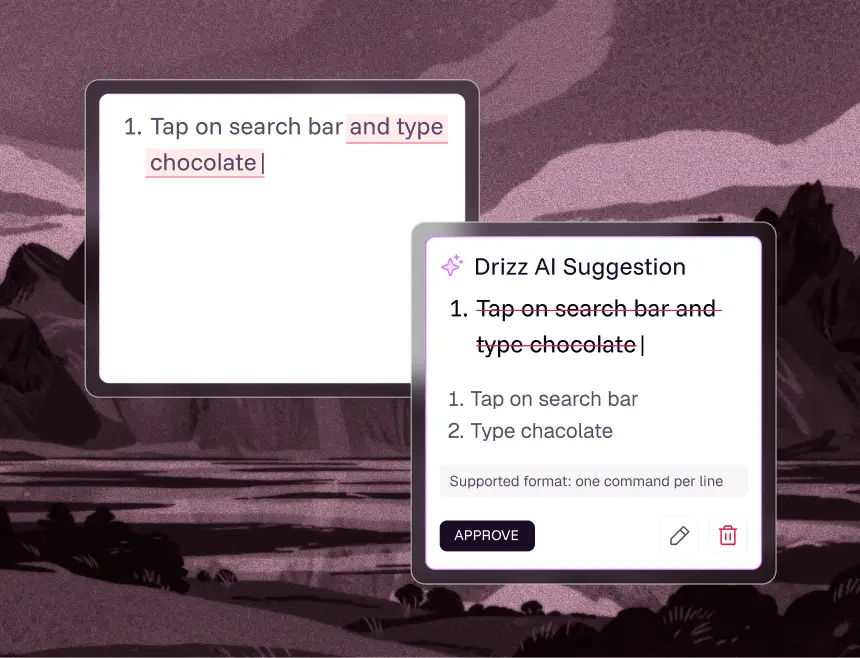
Tests automatically adapt to UI changes using Drizz’s intelligent correction engine. When elements shift, rename or move, Drizz identifies the intended action and updates the step reducing flakiness and maintenance work.
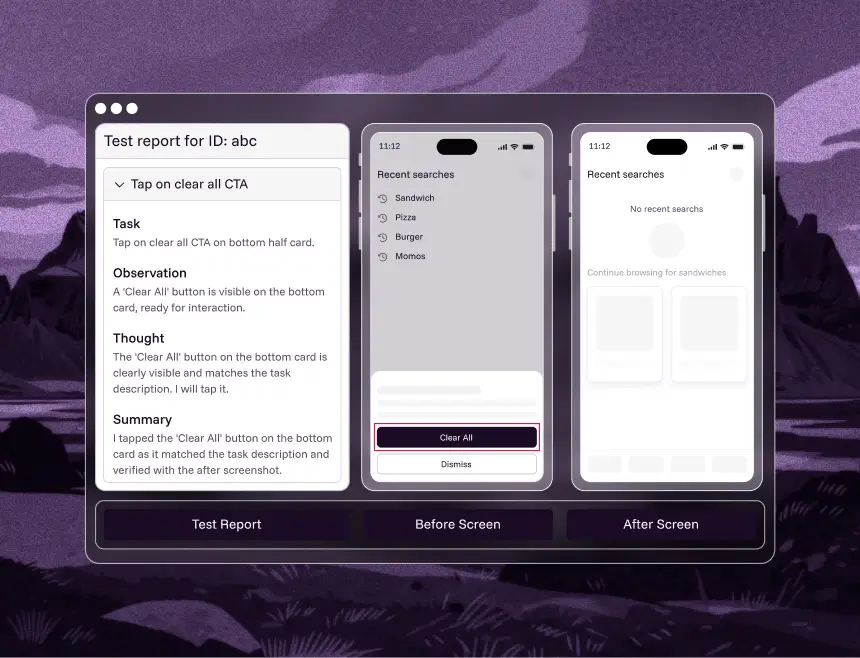
Every failure is delivered with clear reasoning, screenshots, and before/after context. Drizz explains why a step broke, not just where, enabling teams to debug faster and reach root cause with minimal effort.
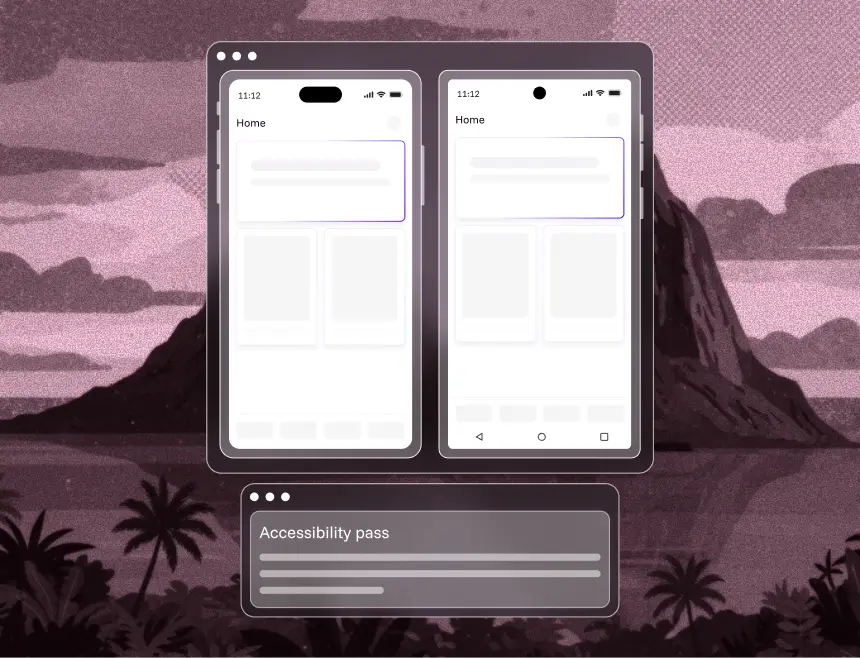
Validate that every screen and interaction meets accessibility expectations. Drizz highlights issues across layouts, ensuring inclusive, compliant user experiences across mobile apps.

Run intelligent tests on Android emulators and real devices across versions, screen sizes and manufacturers. Validate flows reliably without flaky scripts or manual setup.

Test iOS applications using Apple simulators with fast, consistent execution. Validate UI, navigation and functionality across multiple iOS versions without managing physical devices.

Automate mobile web testing on any Android or iOS browser. Ensure consistent performance, responsiveness and behaviour across browsers with seamless cross-platform coverage.
Built to complement modern engineering practices, Drizz Desktop aligns effortlessly with current dev, QA and CI/CD pipelines.












Drizz Desktop fits into existing development and automation pipelines

Local test validation before CI

Exportable test assets for cloud execution

Version control–friendly project organization

Precise failure context before automated pipelines
Drizz Desktop drives measurable gains in automation performance, release confidence and overall engineering efficiency.

Create and evolve tests at the speed of product change using natural-language authoring.

Cover every critical user journey without sacrificing readability or maintainability.

Deterministic, readable tests enable teams to scale automation without fear of instability.

Modular, intent-driven steps reduce breakage and long-term maintenance overhead.

Drizz Desktop eliminates the instability and overhead of selector-based mobile automation by enabling engineers to author and validate tests locally using Vision-AI-driven interactions. It reduces flakiness, accelerates debugging, and shortens the feedback loop before tests reach CI or large-scale cloud execution.
Drizz Desktop directly interfaces with Android Debug Bridge (ADB), iOS simulators, and supported device clouds. No agents or SDKs need to be embedded into the app - Drizz uses screen streams, Vision AI interpretation, and standardized interaction channels to execute commands deterministically.
By catching UI regressions, unstable steps, and structural gaps before the test suite reaches CI, Drizz Desktop prevents false negatives and expensive pipeline reruns. Engineers validate flows locally with screenshots, timings, and logs identical to cloud execution, ensuring consistency across environments.
Drizz Desktop is a local runtime that handles authoring, device connection, Vision AI interpretation, and synchronous execution.
Drizz Cloud is a distributed execution fabric optimized for parallelization, orchestration, access control, artifacts, and CI integrations.
Both share the same execution engine, ensuring parity between local and cloud runs.
No. Drizz abstracts UI identification entirely. The Vision Engine interprets the rendered screen, classifies actionable components, and executes commands without requiring selectors, element IDs, or platform-specific locators.
Every step captures:
This creates consistent reproducibility across device types, OS versions, and screen densities
Yes. Test files are simple text-based instructions that commit cleanly into Git repositories. Engineers can branch, diff, and review test logic just like application code.
Parallelism is bound by available devices/emulators connected to the engineer’s machine. Cloud execution removes this constraint entirely by horizontally scaling across device pools.
It operates alongside the IDE:
This mirrors modern development practices while eliminating brittle automation frameworks.
The execution engine, Vision AI model, interaction pipeline, and step lifecycle are identical across both surfaces. Only the runtime environment differs, ensuring operational consistency between local validation and CI-scale execution.
Author with clarity.
Validate with confidence.
Build mobile tests you can trust - before you scale.



©Drizz 2026 • All Rights Reserved





