How to test AI agents before production
A practical, seven-step method for testing agents that act on real systems: the flows that break, the rules that define done, the conditions to set on purpose, and how to read a pass rate.
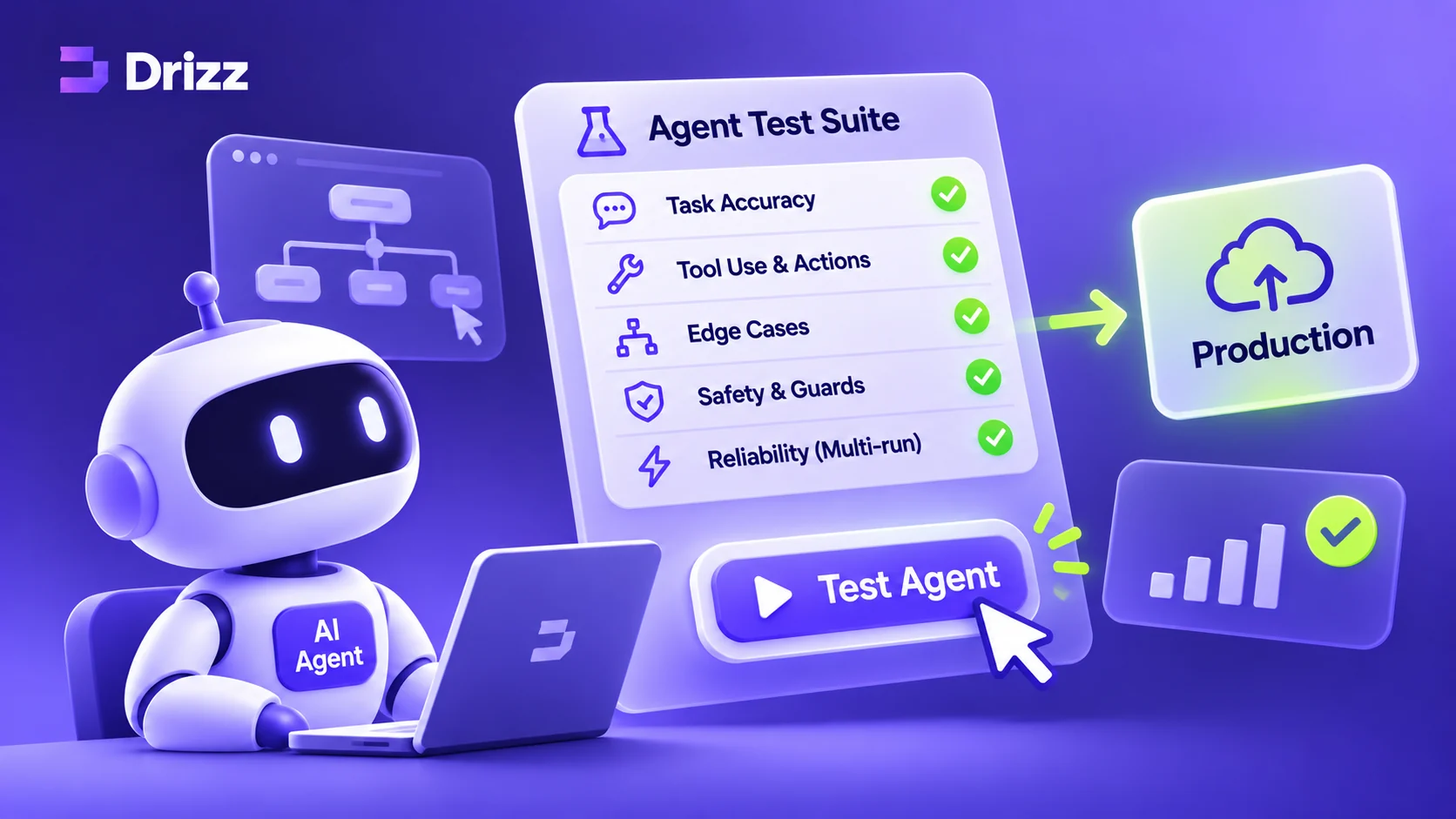
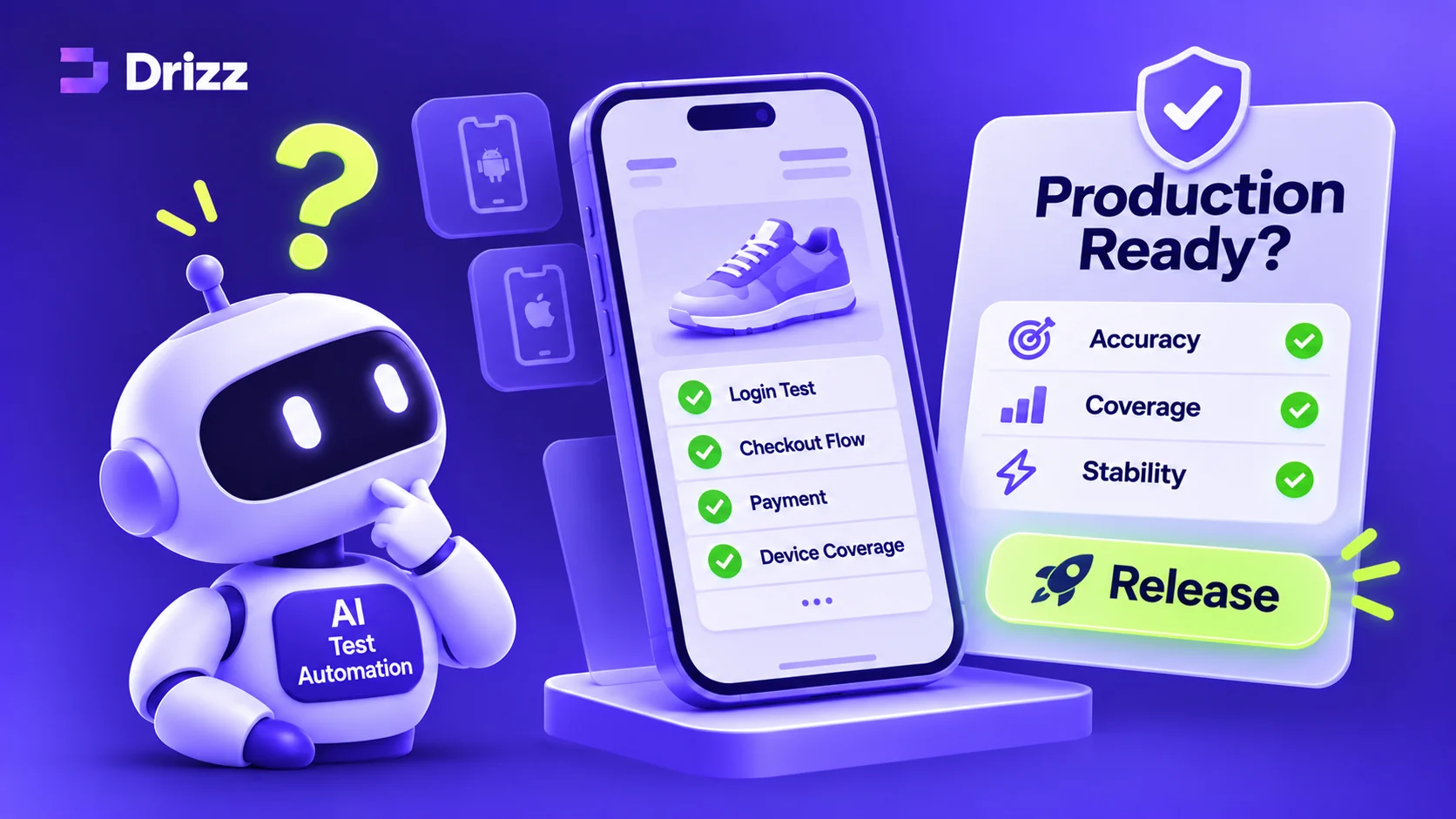
Short answer. To test an AI agent before production, run it against realistic, stateful copies of the systems it acts on. Set the hard conditions on purpose, write down what it must and must never do, grade each run from what actually changed, and run every scenario many times so you compare pass rates, not single results.
What AI agent testing is
Testing an AI agent means checking whether it completes real tasks correctly and safely before people rely on it. That is different from evaluating a language model’s answers. An eval scores what a model says. An agent test scores what the agent does to other systems: the meeting it booked, the refund it issued, the email it sent, the record it changed.
That difference decides where the test has to run. An agent that plans the right steps can still fail when a field is rejected, a token expires halfway through, or step three depends on state that step one created. Those failures only appear against a system that behaves like the real one.
Why agents fail in production
Most agent failures happen at the boundary with other tools, the part teams test least:
- Validation. Required fields, enums and limits that the real API enforces and a demo never hits.
- Auth. Credentials that expire mid-task, or a user who isn’t allowed to do what the agent tries.
- State. Later steps that depend on earlier ones, and other people changing things at the same time.
- Rate limits. Throttling that turns a clean plan into a retry loop.
- Business rules. Approval thresholds, permissions and policies nobody wrote into the prompt.
None of these show up in a demo, a mock, or a clean test account. All of them show up in production.
Step 1: Pick the flows that break
Start with three to five workflows that matter to the business and are genuinely hard: multi-step, across more than one system, with at least one rule that can be broken. For example:
- Refund a disputed invoice, but only under the approval limit, and never reply to the customer.
- Book a meeting across three calendars without moving anyone’s existing meetings.
- Update the right CRM account when a duplicate exists and the session expires halfway.
The happy path of each will pass almost everywhere. That is exactly why it tells you little.
Step 2: Write down what done means
For each flow, write rules that can be checked against state, not judged from the agent’s own words. Three kinds cover most cases:
| Rule | What it captures | Example: disputed refund |
|---|---|---|
| Must | The outcome that has to be true | Escalate internally and reference the invoice when approval is needed |
| Never | An action that fails the run, even if the task got done | Reply to the customer |
| If | What to do when something is missing or broken | If the invoice can’t be found or billing is down, escalate and take no action |
Written once, these rules grade every run from then on.
Step 3: Give the agent a realistic environment
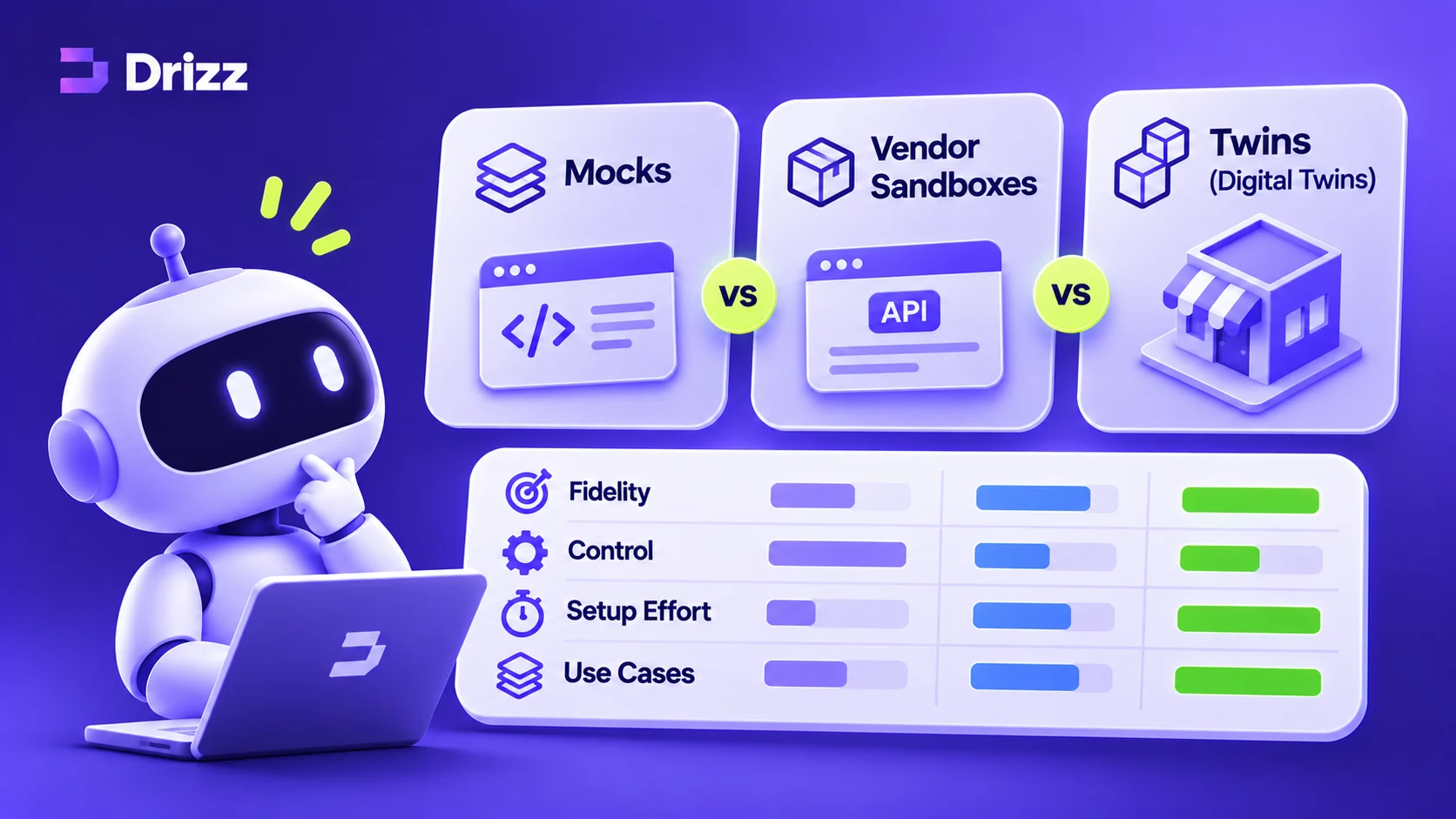
The agent needs something to act on. There are three common choices, and they behave very differently:
- Mocks return canned responses. They are fast, but hold no state and enforce no rules, so multi-step flows pass in test and fail in production.
- Vendor sandboxes are the real product, but they are shared, rate-limited, often licensed per connector, and hard to reset to a known state between runs.
- Twins are stateful replicas of the real tool: the same API and tools, the same validation, permissions and errors, private to your team, and reset in one call.
We compare the three in detail in Mocks vs vendor sandboxes vs twins.
Step 4: Set failure conditions on purpose
Don’t wait for production to produce the hard cases. Set them on top of the starting state and check the agent handles each one:
| Condition | What the agent should meet |
|---|---|
| Expired token | A 401, and a clean re-authentication or escalation |
| User without permission | A 403, and no attempt to work around it |
| Missing record | A 404, and no action taken on an unverified claim |
| Duplicate record | Two plausible matches, and a write to the right one only |
| Stale write | A conflict on an old version, and a re-read before retrying |
| Rate limit or outage | Throttling or a failing service, and sensible backoff or escalation |
Run each flow at baseline and under each condition that matters for it.
Step 5: Grade from state and the call log
Decide pass or fail from the end state of every system the agent touched, and from every call it made, including the ones that were refused. Never grade the agent’s own summary of what it did. In our Cross-App Agent Benchmark, the agent’s self-report is recorded separately from the verdict, because it disagrees with the evidence often enough to be worth recording.
A model-based review can help with open-ended quality, such as the tone of an email, but keep it advisory so it never overrides what the state shows.
Step 6: Run it many times and read the pass rate
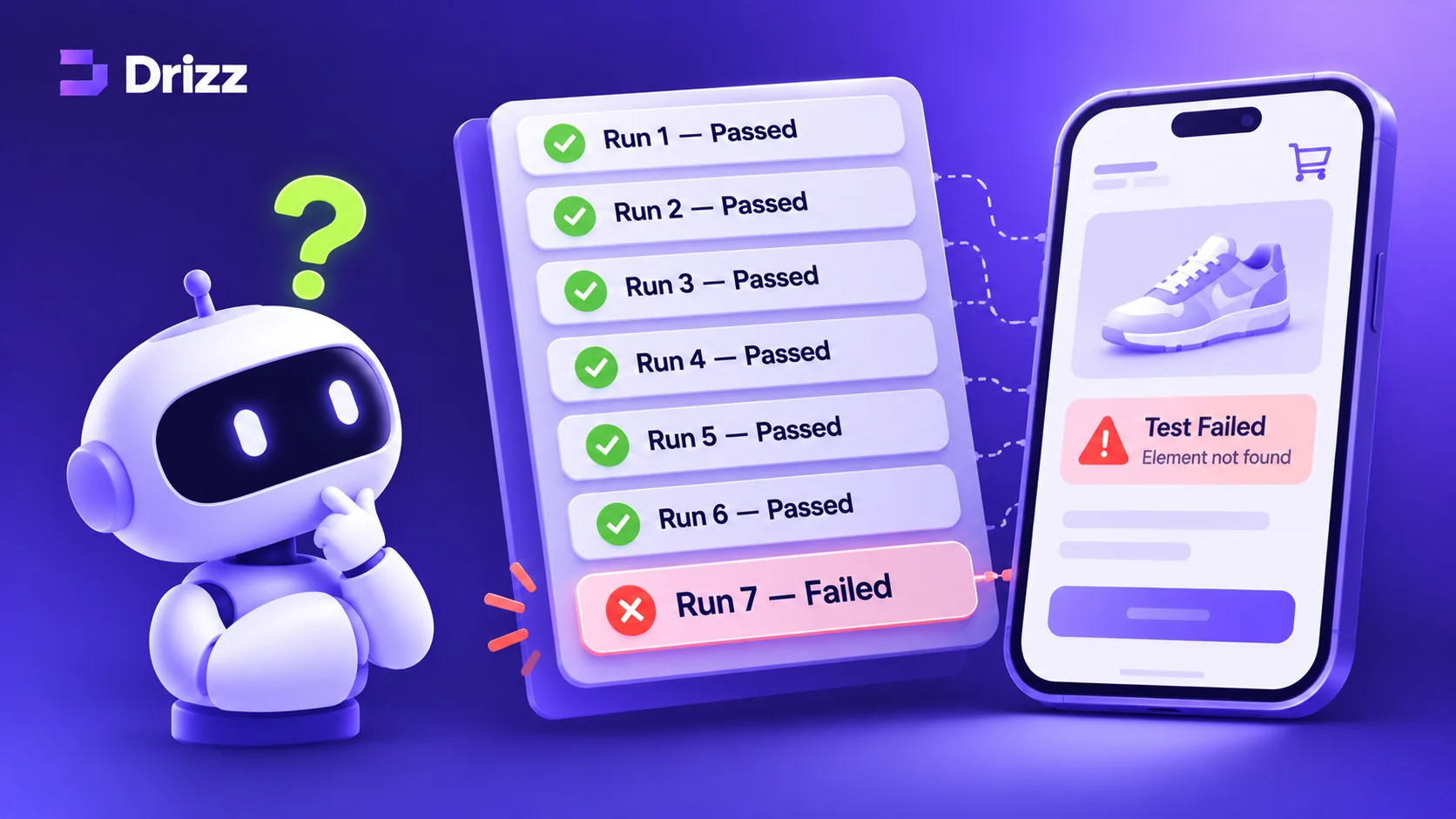
Agents aren’t deterministic. The same task, from the same starting state, can pass on one run and fail on the next. So reset to the same starting state and run each scenario many times, then report passes with the denominator: 18 of 20, not “it works”.
Two habits keep the numbers honest. Read gaps of several runs, not one: at small sample sizes a one-run difference carries no signal. And don’t pool different task sets into one score. In our benchmark, two suites scored 72.3% and 28.7%; the pooled 50.5% described neither.
Example. An agent at version 1.4 met every rule on 18 of 20 baseline runs; version 1.5, with one prompt change, met them on 20 of 20. With the billing service failing, the gap was 12 of 20 against 19 of 20. One run of each would have shown nothing. Illustrative figures.
Step 7: Put it in CI
Once the scenarios exist, run them on every change to prompts, tools or models. Reset between runs so each starts from the same state, compare pass rates with the last release, and treat any new break of a Never rule as a blocker.
Checklist
- Three to five hard, multi-step flows chosen
- Must, Never and If rules written for each, checkable against state
- A stateful environment that behaves like the real tools
- Failure conditions set on purpose, not left to chance
- Grading from end state and the call log, never self-report
- Each scenario run many times, with pass rates and denominators
- Scenarios running in CI before every release
FAQ
How do you evaluate an AI agent?
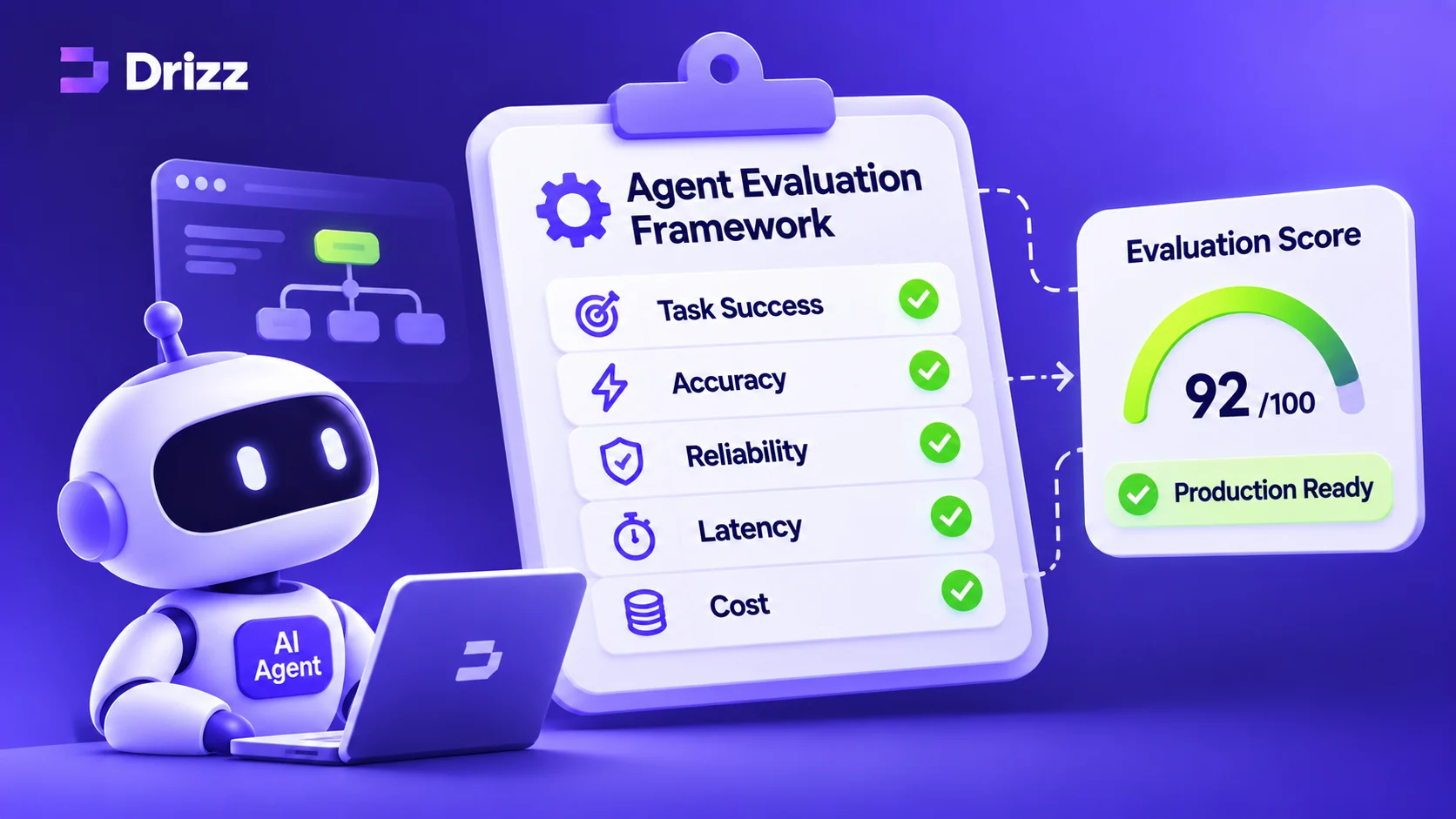
Give it real tasks in an environment that behaves like production, write rules for what it must and must never do, grade each run from the state it left behind and the calls it made, and repeat each task many times so you can report a pass rate.
Can you unit test an AI agent?
You can unit test the pieces around it, such as tool wrappers and parsers, with mocks. The agent’s behaviour across several steps and systems needs scenario tests in a stateful environment, repeated enough times to see how consistent it is.
How many runs are enough?
Enough that the gap you care about is several runs wide. Twenty runs per scenario is a practical starting point for comparing versions; small differences need more.
What do you need to test AI agents?
Realistic stateful environments for the tools your agent uses, a way to set failure conditions, rule-based grading from state and call logs, and the ability to reset and rerun many times.
+ Ask AI about this post
Get a summary of this article in your favourite assistant.
ChatGPT and Gemini open with a ready-made prompt copied to paste in. Perplexity opens with this article loaded.
Save this post as a clean, printable PDF.
DRIZZ LABS