•
Drizz raises $2.7M in seed funding •
•
Featured on Forbes
•
Drizz raises $2.7M in seed funding •
•
Featured on Forbes

Find bugs where users do.
Describe the flow in plain English. Drizz runs it across real Android hardware — different manufacturers, different skins, different Android versions — and hands back the failure already debugged. No Gradle changes. No resource IDs to maintain.






1.09%
User-perceived crash rate is Google Play's bad-behaviour threshold. Cross it and your app gets harder to find.
0.47%
User-perceived ANR rate is the matching limit. An ANR fires after five seconds of a blocked main thread.
19.3%
Is the largest single Android version share. On iOS one version covers 79% of devices.
~5%
Flakiness on Drizz, against roughly 15% on selector-based Appium suites.
Definition
Android app testing is the process of validating an Android application's functionality, UI, performance, stability and accessibility across the device models, manufacturer skins and Android versions your users actually run.

Schedule a demo
Manual testing is a person exploring the app on a device. Automated iOS testing is software driving the app through defined flows on every build. Teams shipping on a weekly cadence need both, and lean on iOS automation testing for everything repeated.
Apple rejects your build and tells you why. Google Play publishes you, then measures you in production. If you exceed a quality threshold, nothing is rejected and nobody emails you. Your app just becomes harder to find.
iOS difficulty is depth: a locked toolchain and a review gate. Android difficulty is breadth — thousands of models, a dozen manufacturer skins, and six OS versions in meaningful use at once. Different problem, different test strategy.
Not writing the first Espresso test. Keeping a suite green across a device matrix where each row behaves slightly differently, while resource IDs shift under you and the emulator that passed everything told you nothing.
Why it matters
Every mobile testing argument applies. Four things make Android's version of it harder to notice until it's expensive.
Schedule a demo
Google Play defines bad-behaviour thresholds of 1.09% user-perceived crash rate and 0.47% user-perceived ANR rate across daily active users. Exceed them and Play states it may reduce your app's visibility and show a warning on your store listing. No rejection, no strike — just a slow decline in installs.
There's a second threshold, set at 8% crash or ANR rate for a single device model. Trip it on one popular handset and Play can cut your visibility for users on that handset specifically. A bug that only reproduces on one mid-range Samsung is not an edge case — it's a distribution problem.
In Google's Play Console distribution data reported in January 2026, the biggest single version was Android 15 at roughly 19.3%, with Android 14, 13 and 11 all in double digits. Six versions above 5% at once. Permission models, background limits and storage access differ meaningfully across that range.
Google lifts the required target API annually. For 2026, apps must target Android 15 (API 35) or higher from 31 August to stay discoverable to new users on newer devices, with extensions to 1 November — and new submissions must target API 36. Each bump changes runtime behaviour, and every change needs re-testing.
Why this matters for testing, specifically. Because the penalty is invisible, the feedback loop that would normally tell you your QA is inadequate never fires. There's no rejection email to escalate. The signal arrives months later as a soft decline in installs that gets attributed to marketing. Pre-release coverage across real devices is the only place this gets caught.
Challenges
Not a generic mobile list. These are the failures specific to Android, and they're where QA capacity actually goes.
Android spans tens of thousands of distinct device models, each with its own screen size, OS build, manufacturer skin and quirks. A layout that renders correctly on one flagship can truncate on another mid-range handset.
Several manufacturers aggressively terminate background processes and restrict alarms to save battery. Push notifications, scheduled sync and long-running uploads work perfectly on your Pixel and silently fail on a large share of your actual install base.
An ANR fires after roughly five seconds of a blocked main thread. On a flagship your query returns in 200ms. On a four-year-old device with slow storage and thermal throttling it doesn't — and that's the device that trips the per-model threshold.
Scoped storage, runtime permissions, granular media access, the notification permission introduced in Android 13, background location. Each arrived in a different version. Your app has to behave correctly on all of them simultaneously.
Aspect ratios from 4:3 to 21:9, punch-holes, curved edges, tablets and foldables that change dimensions mid-session. Any test carrying a coordinate assumption works on the device it was written on and nowhere else.
Espresso runs in your app's process, which is why it's fast and stable — and why it cannot follow a flow into the camera, the share sheet, a system permission dialog or a browser sign-in. Those need UI Automator, and stitching the two together is its own maintenance burden.
Espresso synchronises on the main looper and on idling resources you register. Anything async outside that — a custom thread pool, a third-party SDK, a WebView — needs explicit plumbing, and when it's missing you get flake that looks like a real failure.
Play delivers split APKs generated from your app bundle. A universal APK built locally isn't the artefact your users install, so missing resources, absent language splits and un-downloaded feature modules surface in production rather than in CI.
Frameworks
The four realistic ways to automate an Android app. They differ most in what a test can reach, who can write it, and what happens when the UI changes.
Espresso
UI Automator
Appium
Test language
Kotlin or Java
Kotlin or Java
Java, Python, JS, Ruby, C#
Plain English
Who can author
Android engineers
Android engineers
Automation engineers
Anyone who knows the product
Where tests live
In your Gradle project
In your Gradle project
Separate framework repo
Drizz workspace, versioned and reviewable
Can cross app boundaries
No — your app's process only
Yes
Yes
Yes — camera, share sheet, browser auth
How elements are found
View matchers and resource IDs
Resource IDs, text, descriptions
Resource IDs, XPath, UiSelector
Vision AI reads the rendered screen
Handles OEM system dialogs
No
Yes, if you write per-manufacturer logic
Yes, with per-manufacturer handling
Recognised visually, no per-OEM branches
After a UI redesign
Update matchers in Kotlin
Update selectors
Update locators across the framework
Self-heals; nothing to rename
Reuse on iOS
None
None
Partial; locators are per platform
Same test, both platforms
Typical flakiness
Low in-app; high once async escapes idling resources
Moderate — slower, coarser matching
~15%
~5%
Best fit
Fast in-app UI tests owned by the app team
Cross-app steps Espresso can't reach
One framework across platforms
Regression and critical-path coverage owned by QA


How to read this. Espresso is genuinely excellent at what it's for, and Android teams should keep it. The gap is everything it structurally cannot do: the flow that goes through the system share sheet, the permission dialog that a manufacturer restyled, the same journey verified across eleven handsets. That work either gets automated by people who understand the product rather than the framework, or it doesn't get done — and on Android, what doesn't get done shows up as a vitals number.
Execution
Both, at different moments. The emulator is a development tool. On Android specifically, it is a poor release gate — because almost everything that makes Android hard is a property of the physical device.

Manufacturer skins — the emulator runs stock AOSP or Pixel images, not One UI or HyperOS
OEM battery optimisation killing your background work
Real thermal throttling, and how the app behaves once the device is hot
Mid-range CPU and slow storage, which is where ANRs actually happen
Fingerprint and face unlock hardware
Genuine network degradation, carrier behaviour and handoff

Start from your analytics, not from what the team owns
Cover the models and Android versions making up your top 80% of users
Add one low-RAM device deliberately — it will find your ANRs
Add one device per major manufacturer skin in your base
Add one older Android version still material to you
Re-derive it quarterly; install bases move faster than test plans
How it works
Four steps from build to passing suite. No Gradle changes, no Appium server, no automation engineer in the queue.

1/4
Connect the build. No test target to add, no instrumentation runner to configure, no driver to install.

2/4
"Sign in, upload a photo from the gallery, pay with UPI." That's the test — including the parts that leave your app.

3/4
Vision AI reads the screen and executes on real hardware across manufacturers, skins and Android versions.

4/4
Screenshots, logcat, screen state and step history arrive with the failure. No reproducing the bug before fixing it.
Coverage
Four steps from build to passing suite. No Gradle changes, no Appium server, no automation engineer in the queue.
Schedule a demo
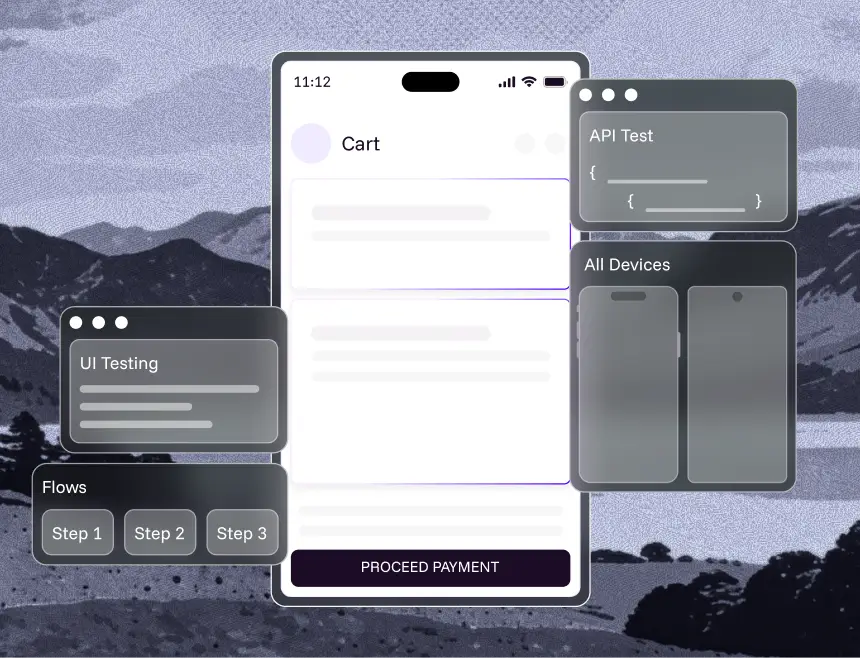
Sign-in, search, cart, payment and checkout verified on every build — including the steps that pass through a payment app or the system share sheet.
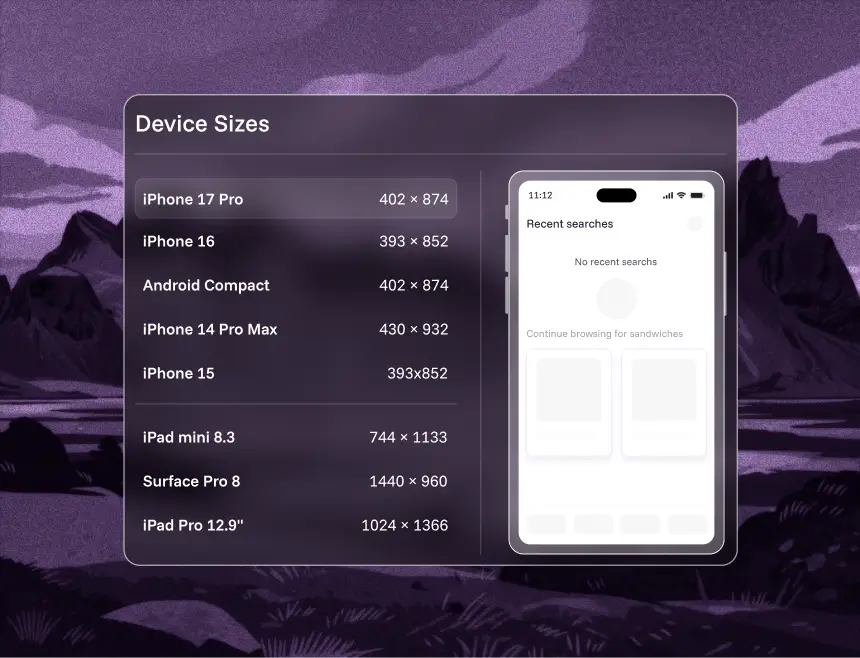
The same test across manufacturers, chipsets and Android versions without writing a variant per device — the single biggest cost centre in Android QA.
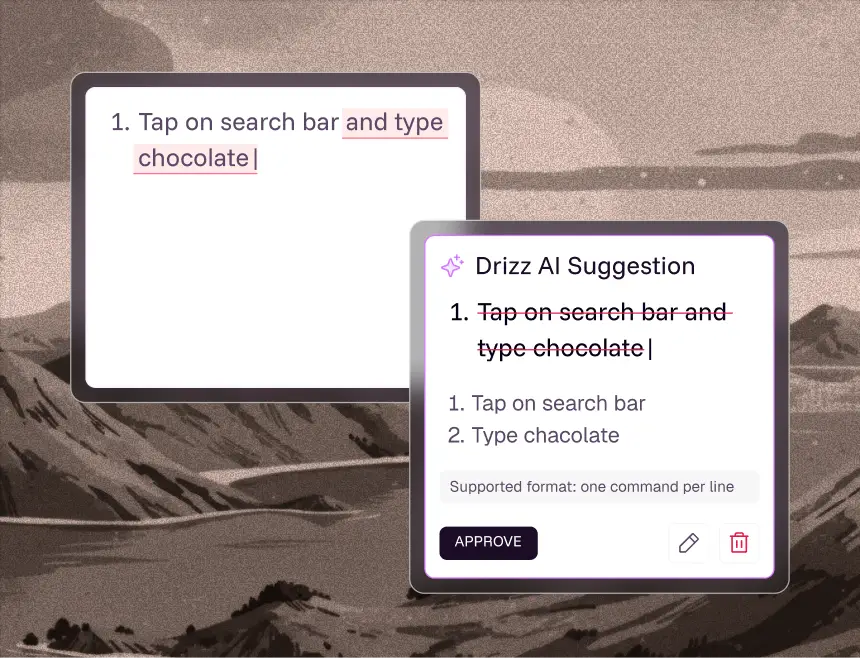
The full suite re-run on every release. Self-healing keeps it green through redesigns instead of demanding a sprint of repair.
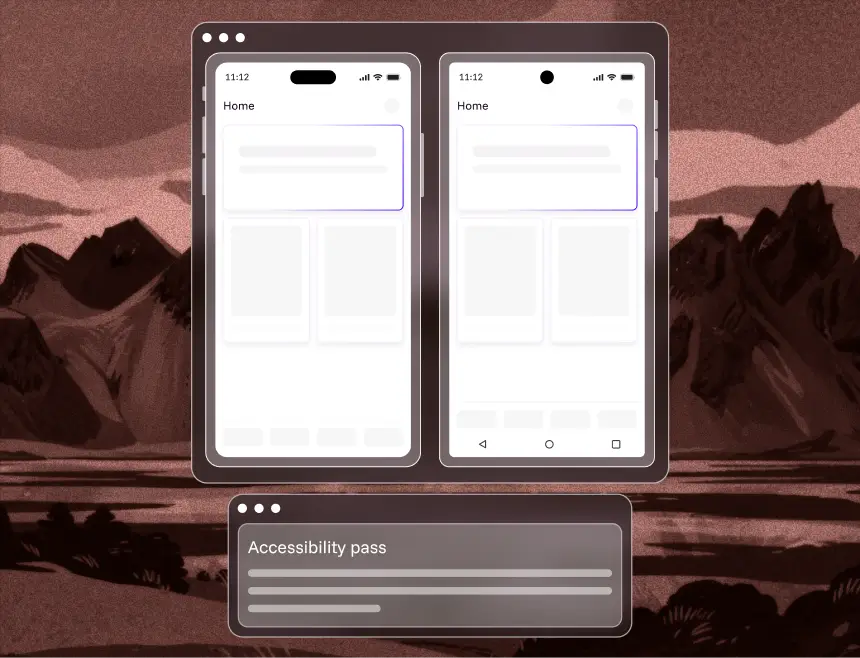
Built-in accessibility checks on every flow, validating screen-reader labels and contrast on real devices.TalkBack labels, contrast and font-scaling behaviour checked on every flow, on real devices, before a user finds the gap.
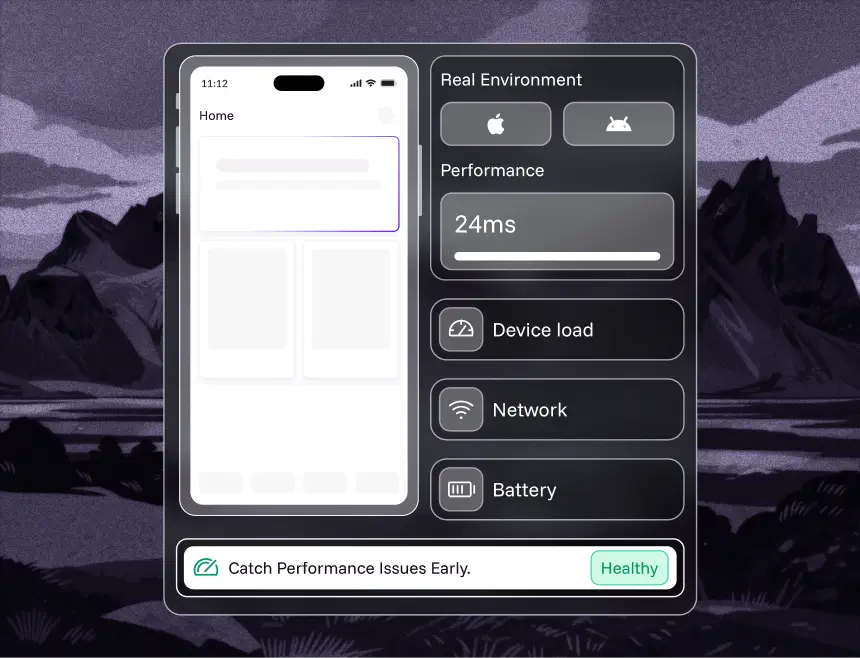
Startup time, jank, memory and battery measured on real mid-range hardware — the tier where Play's per-device thresholds are most often breached.
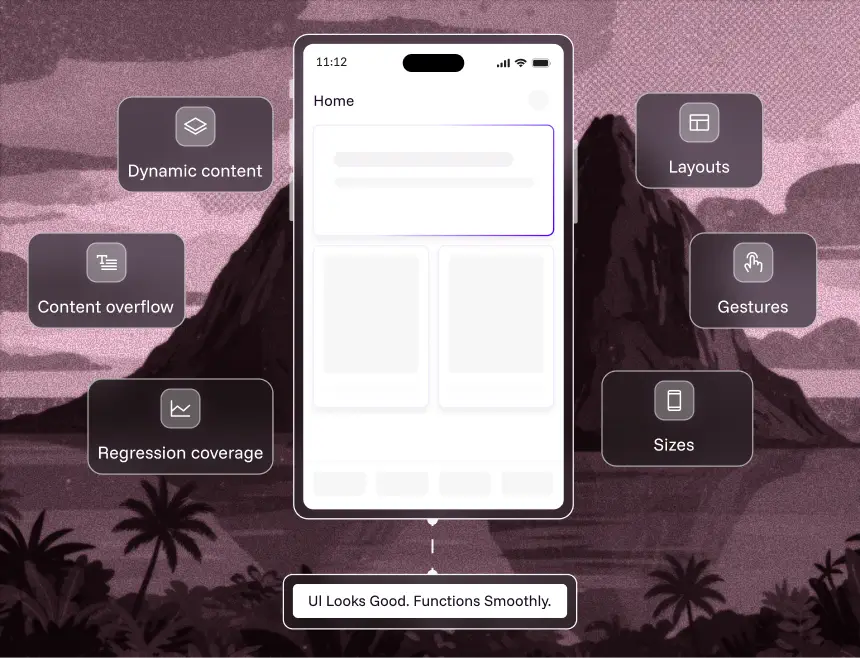
Layouts, gestures and dynamic content across aspect ratios, densities, foldables and manufacturer themes. The regressions resource-ID tests never see, because the ID didn't change.
Best practices
What separates a suite your team trusts from one they quietly stop running.
Most Android install bases skew mid-range. Testing exclusively on flagships hides exactly the ANRs and jank that trip Play's per-device threshold, because the flagship is fast enough to mask them.
Verify against the split APKs generated from your app bundle, not a locally-built universal APK. Missing language splits and un-downloaded feature modules only appear in the artefact users install.
Most suites grant every permission in setup and never test refusal. Android users decline notification and location permissions constantly, and the denial path is usually the least-exercised code in the app.
Crash and ANR rates are the metrics that decide your distribution, so they belong in your release criteria — not just on a dashboard someone checks after a bad week.
A suite at 15% flakiness trains a team to ignore red. Track flakiness as a metric with an owner. A test that fails at random is worse than no test at all.
"Complete checkout with the saved card" survives a redesign. A test bound to R.id values does not. That single difference drives most Android test maintenance.
Why drizz
Built for mobile first, not extended to it from web. Elements are identified visually, so a restyled OEM dialog is still recognised and a renamed resource ID breaks nothing.
Area
Traditional Appium Testing
Competitor Tools
Authoring throughput
~15 tests/month per automation engineer
~40–80 tests/month per QA engineer
~200 tests/month per manual QA — roughly 10× faster
Total test time
~30% of sprint (20% run and triage, 10% fixing)
~15–25%
~10%, with auto-triage and repro data
iOS + Android effort
1.8× — largely duplicated
~1.2–1.5×
1.0× — write once, run both
Adding a new device model
Often per-device selector handling
Config, sometimes new locators
Same test, no changes
Maintenance after UI change
High — matchers and locators updated by hand
Medium
Low — tests self-heal
Flakiness
~15%
~8–12%
~5%
Authoring throughput
Traditional Appium Testing
~15 tests/month per automation engineer
Competitor Tools
~40–80 tests/month per QA engineer
~200 tests/month per manual QA
Total test time
Traditional Appium Testing
~30% of sprint (20% run and triage, 10% fixing)
Competitor Tools
~15–25%
~10%, with auto-triage and repro data
iOS + Android effort
Traditional Appium Testing
1.8× — largely duplicated
Competitor Tools
~1.2–1.5×
1.0× — write once, run both
Adding a new device model
Traditional Appium Testing
Often per-device selector handling
Competitor Tools
Config, sometimes new locators
Same test, no changes
Maintenance after UI change
Traditional Appium Testing
High — matchers and locators updated by hand
Competitor Tools
Medium
Low — tests self-heal
Flakiness
Traditional Appium Testing
~15%
Competitor Tools
~8–12%
~5%
Benchmark
If an agent reads the screen instead of a resource ID, the whole approach rests on whether it taps the right thing across every skin and screen size. So we measured it, and published the dataset.
Drizz's score on UI-TapBench, measured against frontier vision models on the same task.
Drawn from 20 real production apps, not synthetic UI — including the dense list views and overlays where agents fail.
The dataset is public, so you can run it yourself rather than take a vendor's number on trust.
Upload an APK, describe a flow, run it across real handsets. Twenty minutes, no framework setup.

Android app testing is the process of validating an Android application's functionality, UI, performance, stability and accessibility across the device models, manufacturer skins and Android versions your users actually run. Unlike iOS there's no review gate — Google Play publishes you and then measures you in production, reducing your app's visibility if it exceeds defined quality thresholds.
Android automation testing is using software to drive an Android app through defined flows on every build, instead of a person tapping through manually. It's typically done with Espresso, UI Automator or Appium, or with a codeless platform where tests are written in plain English and executed on real devices.
Google Play defines an overall bad-behaviour threshold of 1.09% user-perceived crash rate and 0.47% user-perceived ANR rate, measured across daily active users. There's also a per-device threshold of 8% for both. Exceeding them makes your app less discoverable on Google Play, and can put a warning on your store listing.
Espresso is Google's in-process framework: fast and reliable, but it only sees your own app, so it can't cross into the camera, share sheet or a browser sign-in. UI Automator runs out of process and can cross app boundaries, but is slower and coarser. Appium is cross-platform and language-flexible but adds a server layer. All three identify elements by resource ID or XPath, so all three break when those change.
Emulators are fine for fast feedback during development. They can't reproduce manufacturer skins, OEM battery and background-process management, real thermal throttling, biometric hardware, or the performance of a mid-range chip. Since most Android quality problems are device-specific, any release-gating suite should run on real devices.
Build the matrix from your own analytics, not from what the team owns. Cover the models and Android versions representing roughly the top 80% of your users, then deliberately add one low-RAM device, one device from each major manufacturer skin in your base, and one older Android version. Re-derive it quarterly — install bases move faster than test plans.
Very. In Google's Play Console distribution data reported in January 2026, the most-used single version was Android 15 at around 19.3%, with Android 14, 13 and 11 each holding double-digit shares — six versions above 5% at once, against two on iOS. Third-party trackers report different splits because of sampling, but every source agrees no single version has a majority.
With Espresso or UI Automator, yes — tests live in your app's Gradle project and are written in Kotlin or Java. With Appium you write in another language but still maintain locators. With Drizz you write the flow as a plain-English sentence, so manual QA can automate without an engineer in the queue.
Drizz reads the rendered screen rather than resource IDs, so a system dialog that a manufacturer has restyled, relabelled or repositioned is still recognised for what it is. That's the failure mode that breaks selector-based suites across manufacturers most often, and it's the reason per-OEM branching logic tends to accumulate in Appium frameworks.
You should. Google Play delivers split APKs generated from your app bundle, so what a user installs isn't byte-identical to a universal APK built locally. Testing the artefact Play actually serves is the only way to catch missing resources, absent language splits or un-downloaded feature modules before users do.
Yes. Because Drizz identifies elements visually rather than through platform-specific IDs, one plain-English test runs on both platforms at roughly 1.0× effort, against about 1.8× on selector-based frameworks where the two suites are largely duplicated work.
Yes. Drizz runs headlessly in pipelines and integrates with GitHub, Jenkins, Slack, Jira and Android Studio, and connects to device clouds including BrowserStack and LambdaTest. Authoring being visual says nothing about how execution is triggered.



©Drizz 2026 • All Rights Reserved





