•
Drizz raises $2.7M in seed funding •
•
Featured on Forbes
•
Drizz raises $2.7M in seed funding •
•
Featured on Forbes

Find bugs where users do.
Describe the flow in plain English. Drizz runs it on real iPhones and iPads, handles the Face ID prompt and the permission dialog like a person would, and hands back the failure already debugged. No Xcode project changes. No Mac required.






~5%
Flakiness on Drizz, against roughly 15% on selector-based Appium suites.
1.0×
Effort to cover iOS and Android — one test, both platforms, not two suites.
Definition
iOS app testing is the process of validating an iPhone or iPad application's functionality, UI, performance, accessibility and security across the real devices and iOS versions your users run — before the build goes to App Review.

Schedule a demo
Manual testing is a person exploring the app on a device. Automated iOS testing is software driving the app through defined flows on every build. Teams shipping on a weekly cadence need both, and lean on iOS automation testing for everything repeated.
This page is about native and hybrid iOS apps installed from the App Store — where device hardware, permissions, biometrics and lifecycle events all matter. Mobile web testing on Safari is a different problem with different tooling.
Android's difficulty is breadth: tens of thousands of device models. iOS's difficulty is depth — a locked-down toolchain, a review gate between you and your users, and system-level interactions that only appear on real hardware.
Not writing the first test. Keeping it working. On iOS that means accessibility identifiers that shift, Xcode versions that move, WebDriverAgent that needs re-signing, and a suite that quietly stops being run.
Why it matters
Every mobile testing argument applies to iOS. Four things make it sharper.
Apple states that90% of submissions are reviewed in under 24 hours. That is a median, not a guarantee — and a rejected resubmission restarts the clock. On web you push a fix in minutes. On iOS a broken checkout can sit live for a day or more while every user hits it.
Apple's own data from 7 June 2026 puts iOS 26 on86% of iPhones from the last four years and 79% of all active iPhones. iOS fragmentation is narrower than Android's, but it isn't zero — and permission behaviour and rendering differ across those versions.
Xcode runs only on macOS. XCUITest compiles against your project. Appium drives iOS through WebDriverAgent, which needs signing and a Mac to build. Every native path puts a Mac between your QA team and a test run — which is whytesting an iOS app on Windowsis a question people search for at all.
Face ID and Touch ID matching, the camera, real GPS drift, cellular handoff, thermal throttling and genuine battery drain do not exist on the Simulator, which runs your app compiled for macOS. The flows most likely to break in production are the ones a simulator can't reach.
Challenges
Not a generic mobile list. These are the failures that are specific to iPhone and iPad, and they are where QA capacity actually goes.
Face ID and Touch ID gate login, payment and settings flows in most serious apps. They need real hardware and real enrolment. Mocked biometrics test your mock, not your app.
App Tracking Transparency, notifications, location, camera, contacts and photos each interrupt the flow with a system dialog. XCUITest needs interruption monitors; miss one and the step fails without a real bug behind it.
SwiftUI doesn't generate accessibility identifiers on its own — a developer has to add them. Selector-based tools then guess by label or position, which is why a test taps the right row today and the wrong one after a redesign.
Scoped storage, runtime permissions, granular media access, the notification permission introduced in Android 13, background location. Each arrived in a different version. Your app has to behave correctly on all of them simultaneously.
Notch, Dynamic Island, home indicator and varying safe-area insets move your UI between models. Any script holding a coordinate assumption works on the device it was written on and nowhere else.
Split View, Slide Over and Stage Manager reflow layouts at runtime. An iPad app testing pass that only covers full-screen portrait is covering a fraction of the real surface.
Users change text size, enable Bold Text or turn on VoiceOver. Layouts that pass at default sizing truncate or clip at larger ones — a common source of App Store review rejections and one-star screenshots.
New Xcode, new Swift, new WebDriverAgent, expired certificates, rotated provisioning profiles. None of it is your app changing, and all of it lands on whoever maintains the iOS suite.
Frameworks
The three realistic ways to automate an iOS app. They differ most in who can write a test and what happens to that test when the UI changes.
XCUITest
Appium
Test language
Swift or Objective-C
Java, Python, JavaScript, Ruby, C#
Plain English
Who can author
iOS engineers
Automation engineers
Anyone who knows the product
Where tests live
Inside your Xcode project
A separate framework repository
Drizz workspace, versioned and reviewable
Mac needed to author and run
Yes
Yes, for the iOS driver
No — upload the .ipa from any OS
How elements are found
Accessibility identifiers and queries
Accessibility ids, XPath, predicates
Vision AI reads the rendered screen
System alerts and permissions
Interruption monitors, written per alert
Explicit handling per dialog
Handled as part of the flow
After a UI redesign
Update identifiers and queries in Swift
Update locators across the framework
Self-heals; nothing to rename
Reuse on Android
None — iOS only
Partial; locators are per platform
Same test, both platforms
Typical flakiness
Depends on wait and monitor discipline
~15%
~5%
Best fit
Unit-adjacent UI tests owned by the app team
Teams standardising one framework across platforms
Regression and critical-path coverage owned by QA


How to read this. XCUITest isn't obsolete — it's the right tool for tests the iOS team owns and runs beside their own code. The question is who covers the other ninety per cent: the regression suite, the cross-device runs, the critical paths that need checking on every build. That work has to be automatable by people who understand the product rather than the framework, or it doesn't get done.
Execution
Both, at different moments. The Simulator is a development tool. It is not a release gate.

Face ID and Touch ID matching against real enrolment
Camera, LiDAR, accelerometer and gyroscope input
Genuine GPS drift, cellular handoff and network degradation
Thermal throttling and real battery consumption
Push notification delivery through APNs to a real device token
Your app runs compiled for macOS, on real Mac hardware

Biometric, camera and location flows exercised the way users hit them
Performance measured on the chip your users own, not an M-series Mac
Layout verified across notch, Dynamic Island and iPad safe areas
Permission and ATT dialogs appearing exactly as they will in production
Results you can gate a release on rather than approximate
The practical split. Simulator for fast inner-loop feedback while a feature is being built. Real iPhones and iPads for anything that decides whether the build ships. Drizz executes every test on real hardware, across iOS versions and screen sizes.
How it works
Four steps from build to passing suite. No Xcode project changes, no WebDriverAgent to sign, no automation engineer in the queue.

1/4
Connect the build. No target to add, no provisioning profile to juggle, no test runner to compile against your app.

2/4
"Log in with Face ID, add the annual plan to cart, pay with the saved card." That's the test. No Swift, no queries, no identifiers.

3/4
Vision AI reads the screen and executes on real hardware across iOS versions and form factors, adapting to what's actually rendered.

4/4
Screenshots, device logs, screen state and step history arrive with the failure. No reproducing the bug before fixing it.
The Mac question
Building an iOS app requires macOS. Testing one does not — but every native framework quietly assumes it, which is why mixed-OS QA teams end up blocked.
Xcode is macOS-only, and both XCUITest and Appium compile a test runner against your app. Appium's iOS driver builds and signs WebDriverAgent, which needs Xcode and a valid certificate. The dependency is in the tooling, not the testing.
A QA org on Windows needs Macs it doesn't otherwise use, or a CI runner it has to maintain. Either way, iOS coverage becomes gated on hardware and on the one person who understands the signing setup.
Upload the .ipa from Windows, Linux or macOS. The devices and the toolchain are hosted, so authoring and running iOS tests needs nothing but a browser — and the same suite still runs on Android.
Coverage
A complete iOS testing strategy layers several types. Drizz automates the ones that consume the most QA time; the rest belong elsewhere, and we've marked which is which.
Schedule a demo
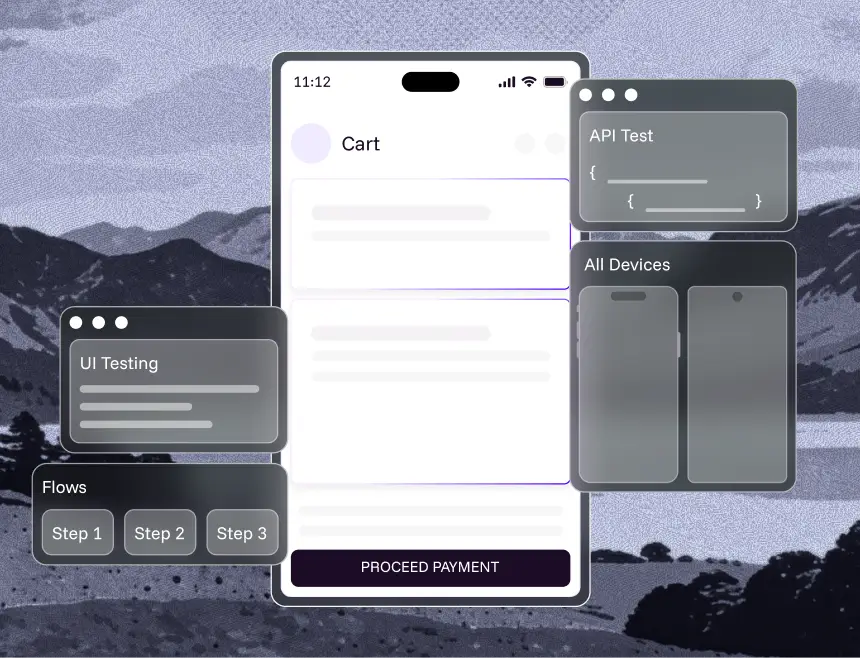
Login, search, cart, payment and checkout verified on every build. The flows where a defect costs revenue the same day it ships.
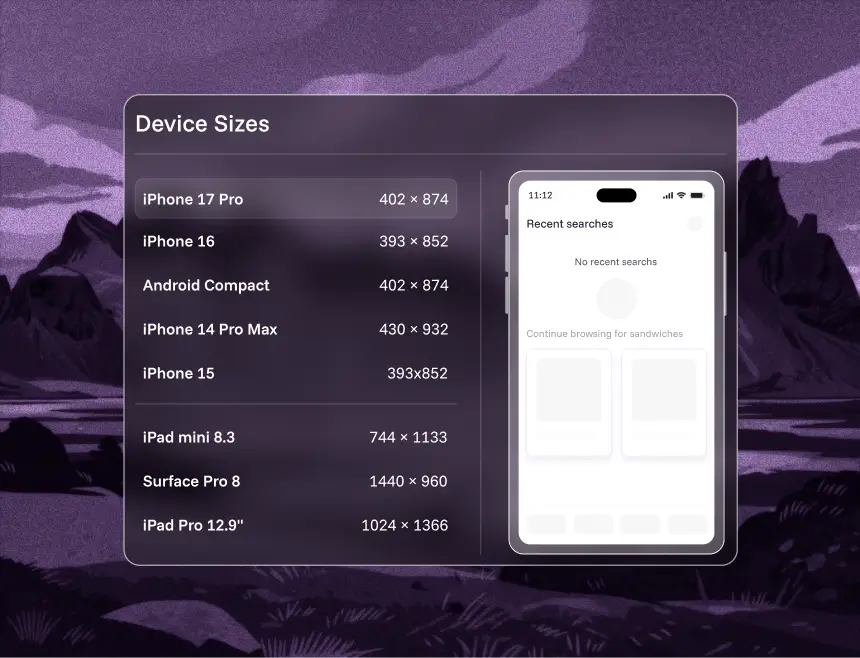
The same test across iPhone and iPad models and across live iOS versions, without writing a variant per device.
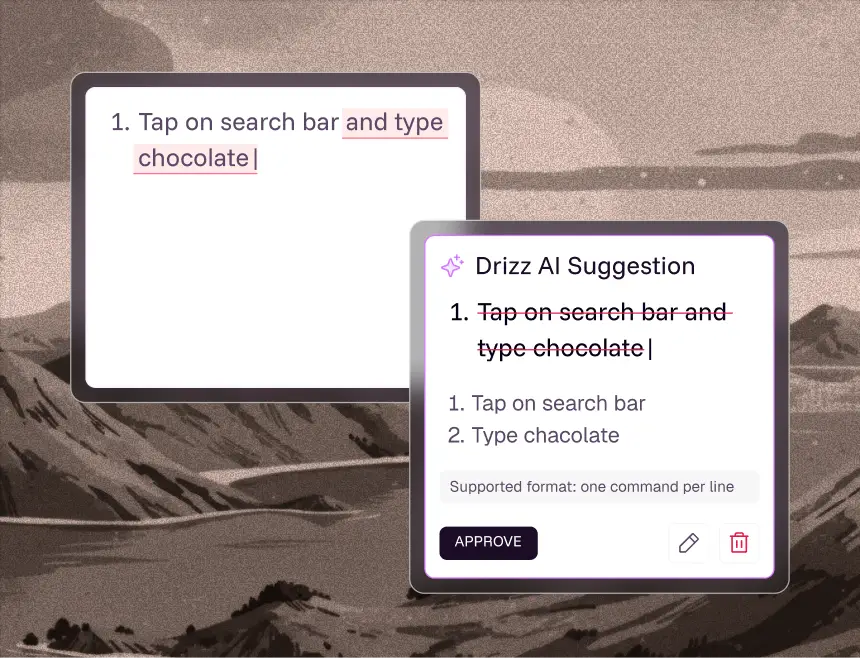
The full suite re-run on every release. Self-healing keeps it green through redesigns instead of demanding a sprint of repair.
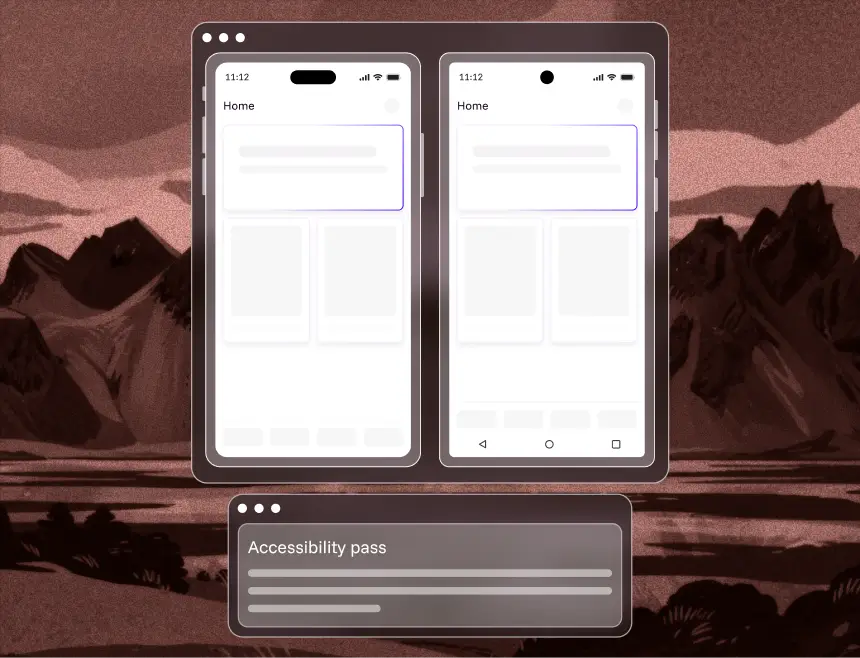
VoiceOver labels, contrast and Dynamic Type behaviour checked on every flow, on real devices, before a reviewer or a user finds the gap.
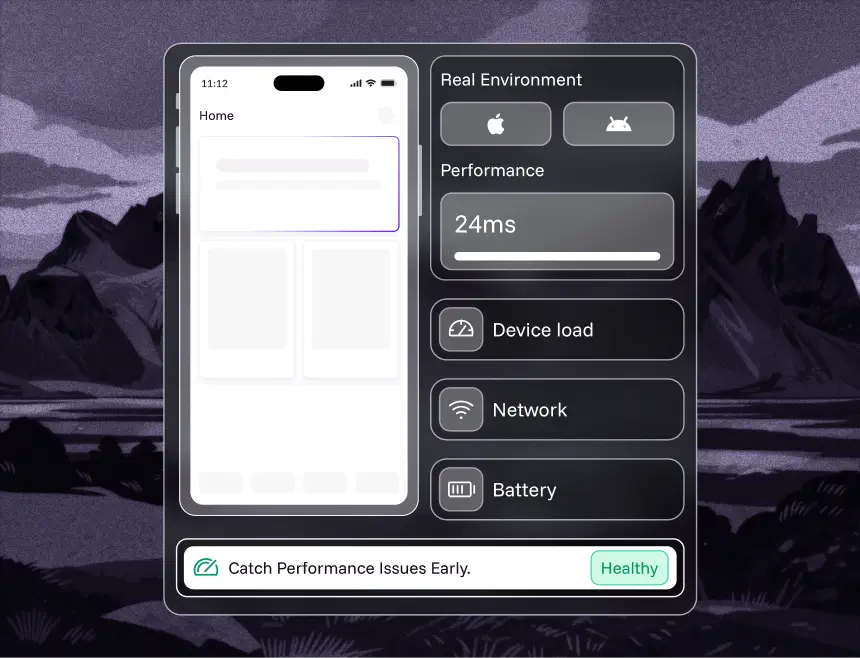
Launch time, responsiveness, memory and battery measured on real chips under real network conditions — not on a Mac pretending to be a phone.
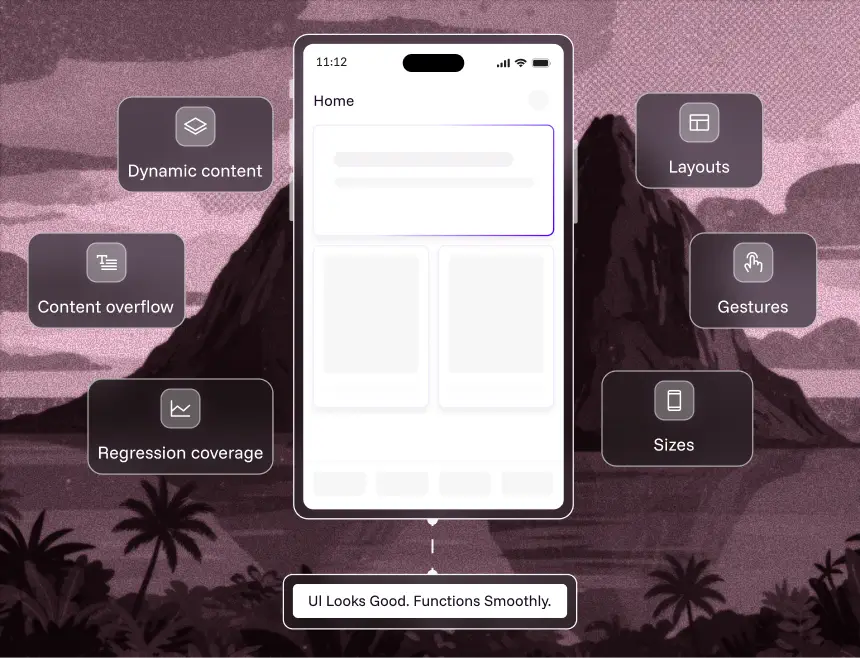
Layouts, gestures, transitions and dynamic content across screen sizes and safe areas — including the regressions identifier-based tests never see because the identifier didn't change.
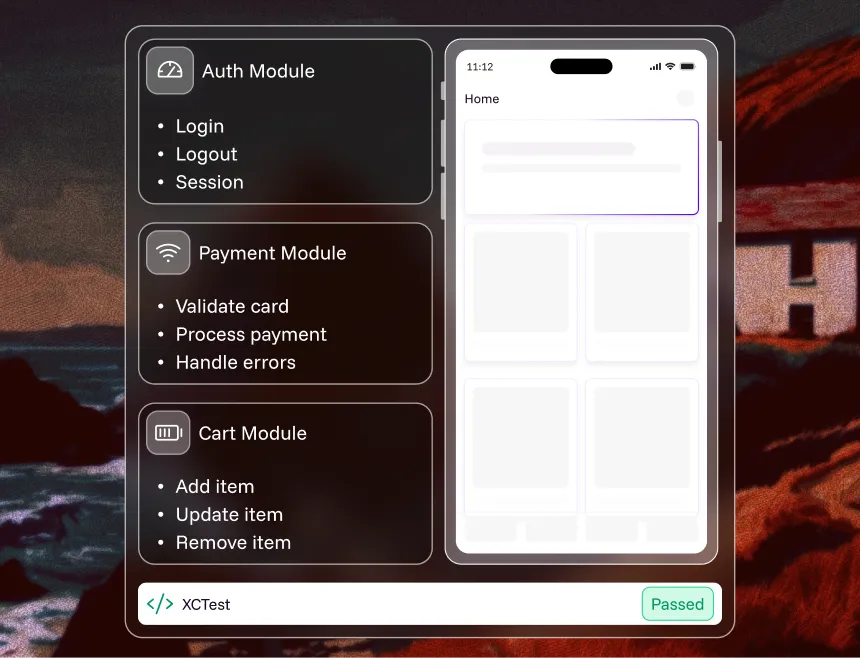
Individual functions and the interactions between modules, tested below the UI. This belongs in XCTest inside your Xcode project, close to the developers who own the code — not in a UI automation platform.
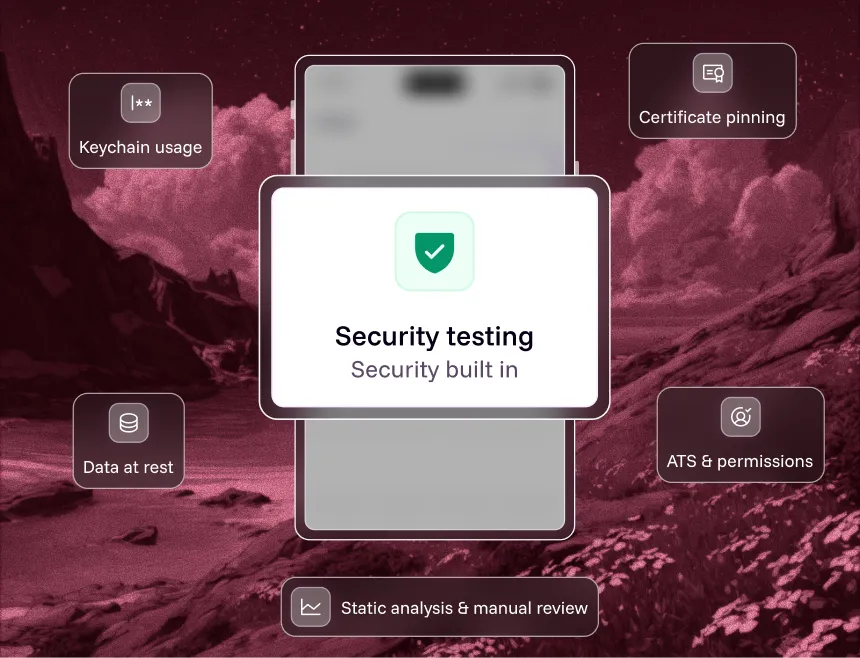
Keychain usage, data at rest, certificate pinning, ATS configuration and permission scope. Specialist work, usually a mix of static analysis and manual review rather than UI automation.
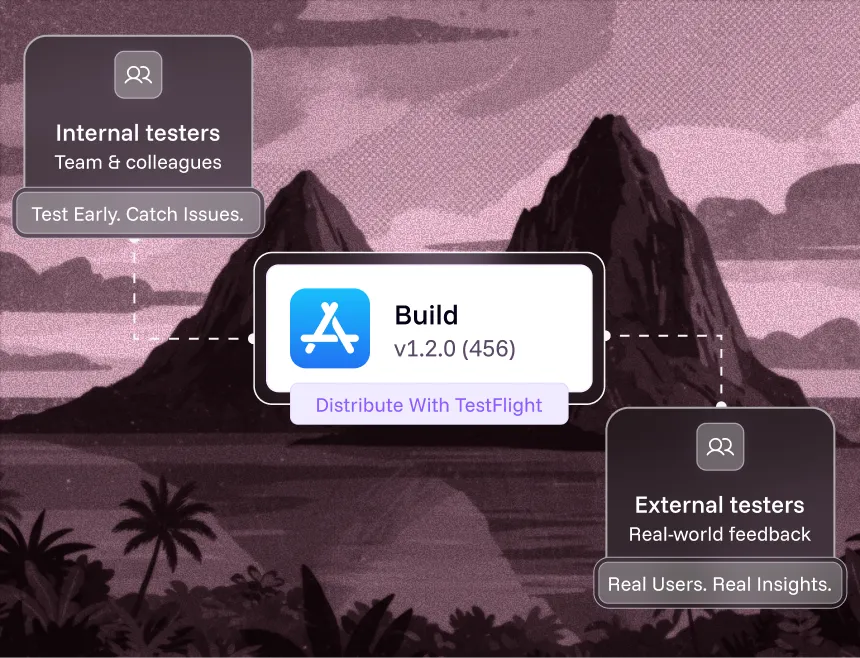
TestFlight distributes builds to internal and external testers for real-world feedback before submission. Whether a flowfeelsright isn't an assertion you can write, so this stays human.
An honest boundary. Automation platforms that claim to cover every row of a list like this are overselling. Unit tests belong in your codebase, security testing needs specialists, and usability judgment needs a person. Drizz covers the six repeated, cross-device jobs above — which is where the QA hours actually go.
Best practices
What separates a suite your team trusts from one they quietly stop running.
Pull the iPhone models and iOS versions your users actually run and cover the top 80%. Apple's overall adoption figures are a sanity check, not your matrix — a fintech app and a game have very different tails.
Incoming call, backgrounding, cold start, lost connectivity, low storage, Focus mode. Routine for users, rare in test suites, and precisely where production bugs live.
A suite at 15% flakiness trains a team to ignore red. Track flakiness as a metric with an owner. A test that fails at random is worse than no test at all.
Most suites grant every permission in setup and never exercise the denial branch. Users decline ATT and location constantly. The states you skip are the states your one-star reviews describe.
Simulator runs are fine in the inner loop. Anything that decides whether a build goes to App Review should have run on hardware, because the review gate makes a wrong call expensive.
"Complete checkout with the saved card" survives a redesign. A test bound to accessibilityIdentifier values does not. That single difference drives most iOS test maintenance.
Why Drizz
Built for mobile first, not extended to it from web. Elements are identified visually, so the maintenance problem doesn't move downstream — it disappears.
Area
Traditional Appium / XCUITest
Competitor tools
What to check
Authoring throughput
~15 tests/month per automation engineer
~40–80 tests/month per QA engineer
~200 tests/month per manual QA — roughly 10× faster
Total test time
~30% of sprint (20% run and triage, 10% fixing)
~15–25%
~10%, with auto-triage and repro data attached
iOS + Android effort
1.8× — largely duplicated work
~1.2–1.5×
1.0× — write once, run both
Maintenance after UI change
High — identifiers and queries updated by hand
Medium
Low — tests self-heal
Flakiness
~15%
~8–12%
~5%
Mac required
Yes
Usually, for local authoring
No
Resources
The parent guide — strategy, types, challenges and tooling across iOS and Android.
Read the guide
How plain-English authoring works, and why it's harder on mobile than on web.
See the breakdown
Four inputs. Returns what selector maintenance costs you per year in engineering time.
Run the numbers
11 tools on real-device coverage, CI fit and maintenance burden.
Compare tools

Upload an .ipa, describe a flow, watch it run on a real iPhone. Twenty minutes, no framework setup.

iOS app testing is the process of validating an iPhone or iPad application's functionality, UI, performance, accessibility and security across the real devices and iOS versions your users run. It combines manual testing with automated iOS testing, and on iOS it carries extra weight because every fix has to clear App Review before it reaches users.
To build and sign an iOS app, yes — Xcode runs only on macOS. To test one, no. XCUITest and Appium both need a Mac in the loop because they compile a test runner against your app, and Appium additionally builds and signs WebDriverAgent. Drizz doesn't: you upload the .ipa and tests execute on real iPhones in the cloud, so QA can work from Windows or Linux.
XCUITest is Apple's own UI testing framework. Tests are written in Swift or Objective-C, live inside the Xcode project and run only on iOS. Appium is cross-platform and supports many languages, but drives iOS through WebDriverAgent, which adds a signing and server layer. Both identify elements by accessibility identifier, so both break when those identifiers change or were never added.
Not with XCUITest or a local Appium setup — both require macOS. You can with a cloud platform that hosts the devices and the toolchain. With Drizz you upload the .ipa from any operating system and tests run on real iPhones remotely, which is the practical answer for QA teams that aren't on Macs.
Simulator is fine during development. It cannot reproduce Face ID or Touch ID matching, the camera, real GPS, cellular handoff, thermal throttling or true battery behaviour, because it runs your app compiled for macOS on Mac hardware. Any release-gating iOS test suite should run on real devices.
According to Apple's own App Store data measured on 7 June 2026, 86% of iPhones introduced in the last four years and 79% of all active iPhones were running iOS 26. That leaves roughly one in five active iPhones on an older release — the version spread your iOS test matrix has to cover.
Drizz executes on real hardware, so biometric prompts, App Tracking Transparency dialogs, notification permissions and system alerts appear exactly as they do for users. Because Vision AI reads the screen, these are handled as part of the flow rather than requiring interruption monitors or hard-coded dismissal logic written per dialog.
Yes, and it's where visual identification helps most. SwiftUI doesn't generate accessibility identifiers automatically — a developer has to add them deliberately. Selector-based tools fall back to guessing by label or position when they're missing, which is how a test taps the right row today and the wrong one next sprint. Drizz reads the rendered screen, so no identifiers are required.
Yes. Drizz runs the same plain-English test across iPhone and iPad form factors, including Split View and Slide Over layouts where element positions shift at runtime and fixed-coordinate scripts fail.
Yes. Because Drizz identifies elements visually rather than through platform-specific identifiers, one plain-English test runs on both platforms at roughly 1.0× effort, against about 1.8× on selector-based frameworks where the iOS and Android suites are largely duplicated work.
Yes. Because Drizz identifies elements visually rather than through platform-specific IDs, one plain-English test runs on both platforms at roughly 1.0× effort, against about 1.8× on selector-based frameworks where the two suites are largely duplicated work.
Through TestFlight, Apple's beta distribution service. You upload a build from App Store Connect and invite testers by email or public link; internal testers get access immediately, external groups go through a lighter beta review first. TestFlight is for human feedback — real people using real builds. It doesn't replace an automated regression suite, and the two answer different questions: TestFlight tells you whether people like the flow, automation tells you whether the flow still works on every device after your last commit.
Yes. Drizz runs headlessly in pipelines and integrates with GitHub, Jenkins, Slack, Jira, Android Studio and Xcode, and connects to device clouds including BrowserStack and LambdaTest. Authoring being visual says nothing about how execution is triggered.
Yes. On-prem and VPC deployments keep test data inside your network, with SSO/SAML, RBAC, audit logs and encryption in transit and at rest. Teams in financial services and healthcare run Drizz under these constraints today.



©Drizz 2026 • All Rights Reserved





